




Relevance
Asana Logo

Top 10 Asana Alternatives for Project Management

Asana's per-user pricing scaling out of control? Compare the best alternatives with simpler workflows, AI-powered automation, and lower costs.

Updated March 2026
10 tools compared
Free options included

Feature Comparison

See how the top tools stack up against each other

Relevance AI
Relevance AI Best Choice
Asana
Asana
Monday.com
Monday.com
ClickUp
ClickUp
Trello
Trello
Wrike
Wrike
Pricing
Starting Price Free $10.99/user/mo $9/seat/mo $7/user/mo $5/user/mo $9.80/user/mo
Free Plan
Per-User Pricing
AI Capabilities
AI Task Prioritization
AI Status Updates
AI Project Planning
Autonomous AI Agent
Project Features
Gantt Charts
Time Tracking
Custom Workflows
Multiple Views
Use Case
Best For AI Automation Enterprise Flexibility All-in-One Simplicity Cross-Team
Try Relevance AI Free

No credit card required

All Asana Alternatives Compared

2
Asana

Asana

$10.99 - $24.99/user/mo

Free plan limited to 10 users, basic features
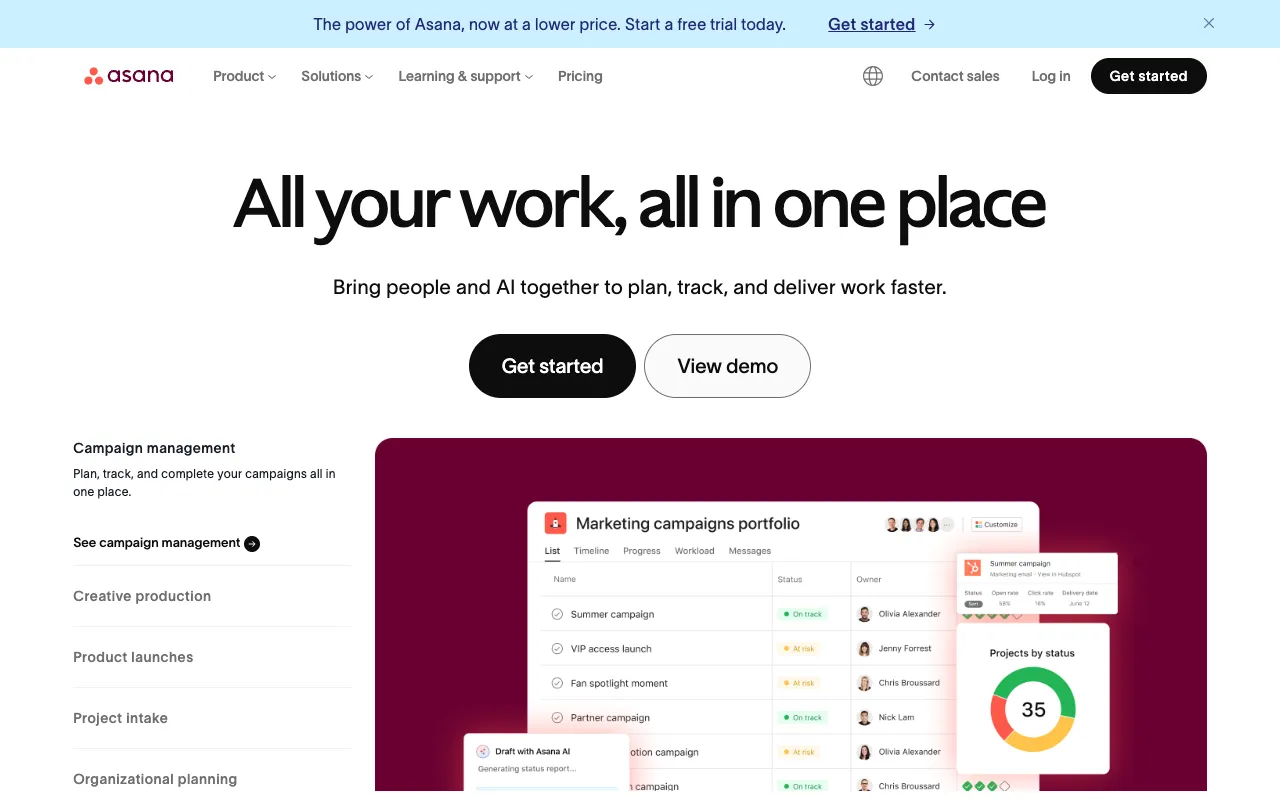
Asana screenshot

Asana is one of the most popular project management platforms with 150,000+ paying customers. Offers task management, project timelines, portfolios, goals tracking, and workflow automation. Strong for enterprise teams but pricing scales quickly.

Pros

  • Intuitive interface with multiple project views
  • Portfolio management for tracking multiple projects
  • Goals and milestones for strategic alignment
  • Strong integration ecosystem (200+ apps)
  • AI-powered smart status updates

Cons

  • Expensive per-user pricing at scale
  • Free plan limited to 10 users
  • Advanced features locked behind Business plan
  • No built-in time tracking on lower plans
  • Can be complex for simple projects
Best for: Mid-size to enterprise teams needing portfolio management and goal tracking
Visit Site
3
Monday.com

Monday.com

$9 - $19/seat/mo

Free plan for up to 2 seats, 3-seat minimum on paid

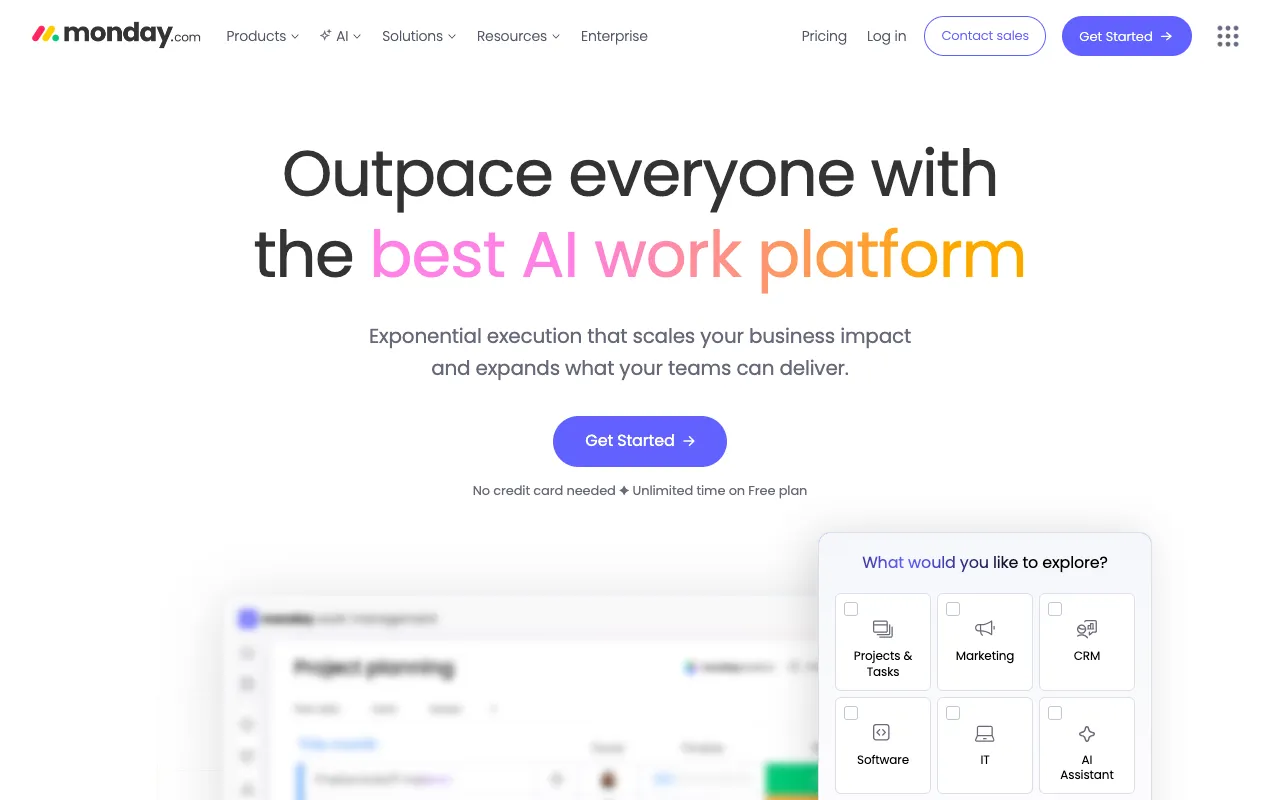
Monday.com screenshot

Monday.com is a flexible work management platform used by 225,000+ customers. Known for its colorful, visual interface and highly customizable workflows. Offers boards, timelines, dashboards, and automations with a minimum 3-seat requirement on paid plans.

Pros

  • Highly visual and customizable interface
  • Flexible board structures for any workflow
  • 250+ automation recipes on Standard plan
  • Built-in time tracking and workload views
  • Extensive integration marketplace

Cons

  • Minimum 3 seats on paid plans
  • Automations limited by plan tier (250/mo on Standard)
  • Per-seat pricing adds up quickly for larger teams
  • Free plan limited to 2 seats only
  • Can be overwhelming with too many customization options
Best for: Teams wanting a visually flexible, customizable work management platform
Visit Site
4
ClickUp

ClickUp

$7 - $12/user/mo

Free plan with unlimited tasks and members

ClickUp screenshot

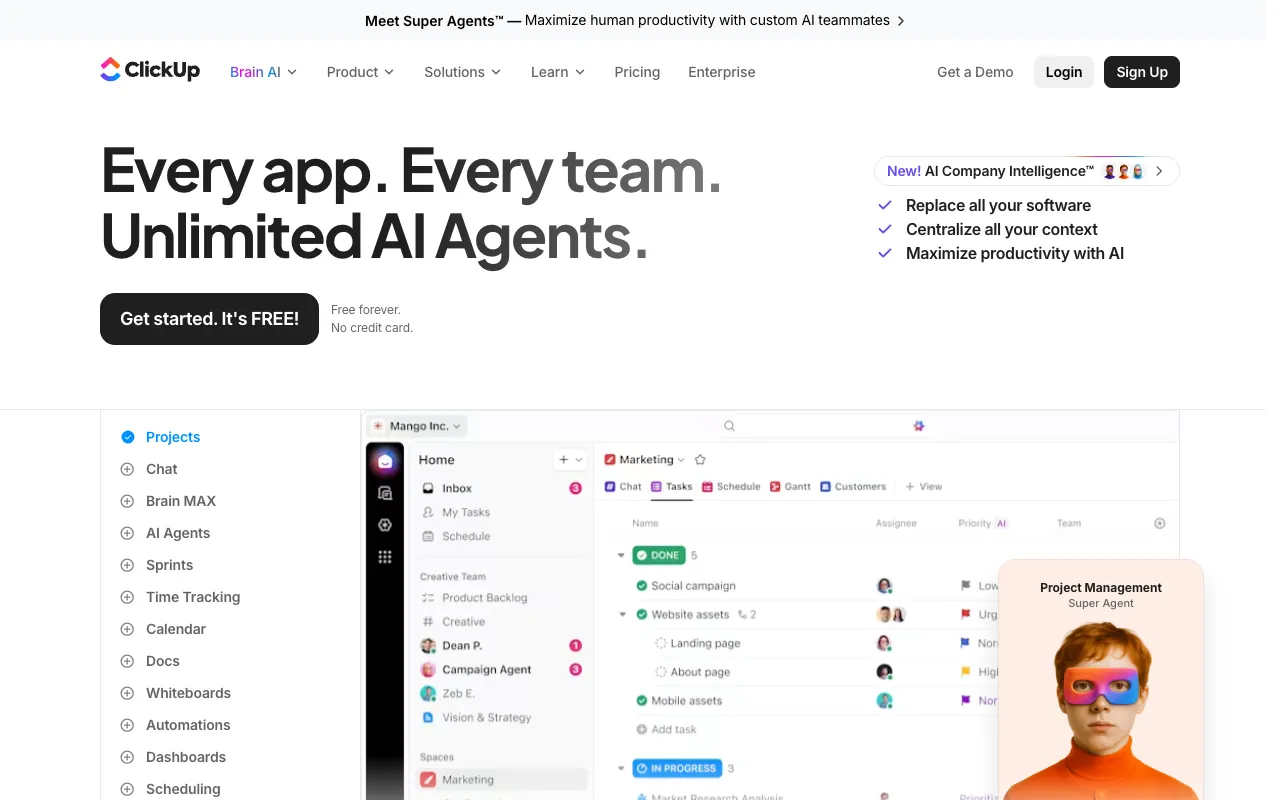
ClickUp positions itself as an all-in-one productivity platform replacing multiple tools. Offers tasks, docs, goals, whiteboards, and chat in a single workspace. Known for extreme customization and feature density at competitive pricing.

Pros

  • Most feature-rich PM tool at the lowest price point
  • Native docs, whiteboards, and chat built-in
  • ClickUp Brain AI for task summaries and writing
  • Unlimited tasks and members on free plan
  • Multiple views: list, board, Gantt, calendar, mind map

Cons

  • Feature overload can feel overwhelming
  • Steeper learning curve due to feature density
  • ClickUp Brain AI costs extra ($7/user/mo)
  • Mobile app less polished than desktop
  • Performance can lag with large workspaces
Best for: Teams wanting an all-in-one workspace to replace multiple tools at a low price
Visit Site
5
Trello

Trello

$5 - $17.50/user/mo

Free plan: unlimited cards, up to 10 boards

Trello screenshot

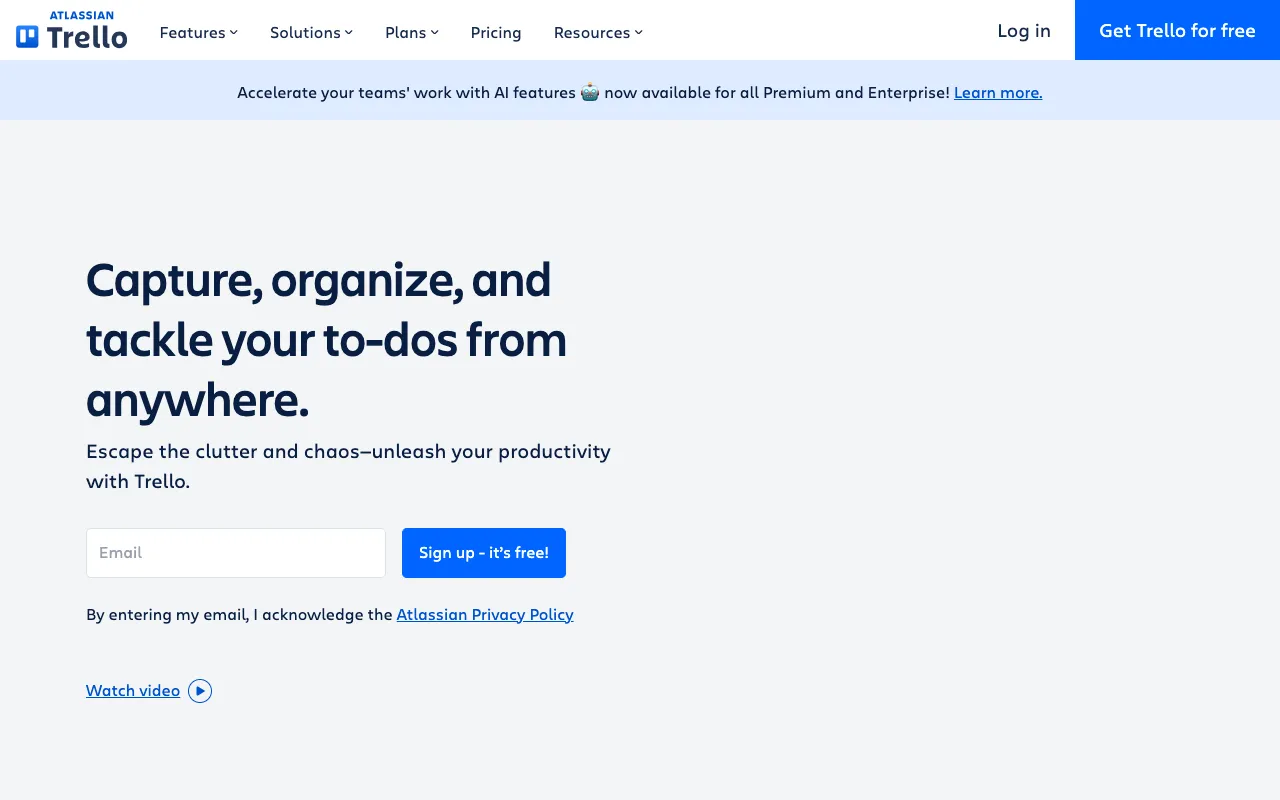
Trello is the original kanban board tool, now owned by Atlassian. Known for its dead-simple drag-and-drop interface. Great for small teams and simple projects, but limited for complex workflows without Power-Up add-ons.

Pros

  • Simplest project management interface available
  • Generous free plan with unlimited cards
  • Drag-and-drop kanban boards are intuitive
  • Power-Ups extend functionality easily
  • Great for personal task management

Cons

  • No Gantt charts or timeline views on free/Standard
  • Limited reporting and analytics
  • Not suitable for complex, multi-project workflows
  • Power-Ups can get expensive to stack
  • No built-in time tracking
Best for: Small teams and individuals wanting the simplest possible kanban-style task management
Visit Site
6
Wrike

Wrike

$9.80 - $24.80/user/mo

Free plan for up to 5 users

Wrike screenshot

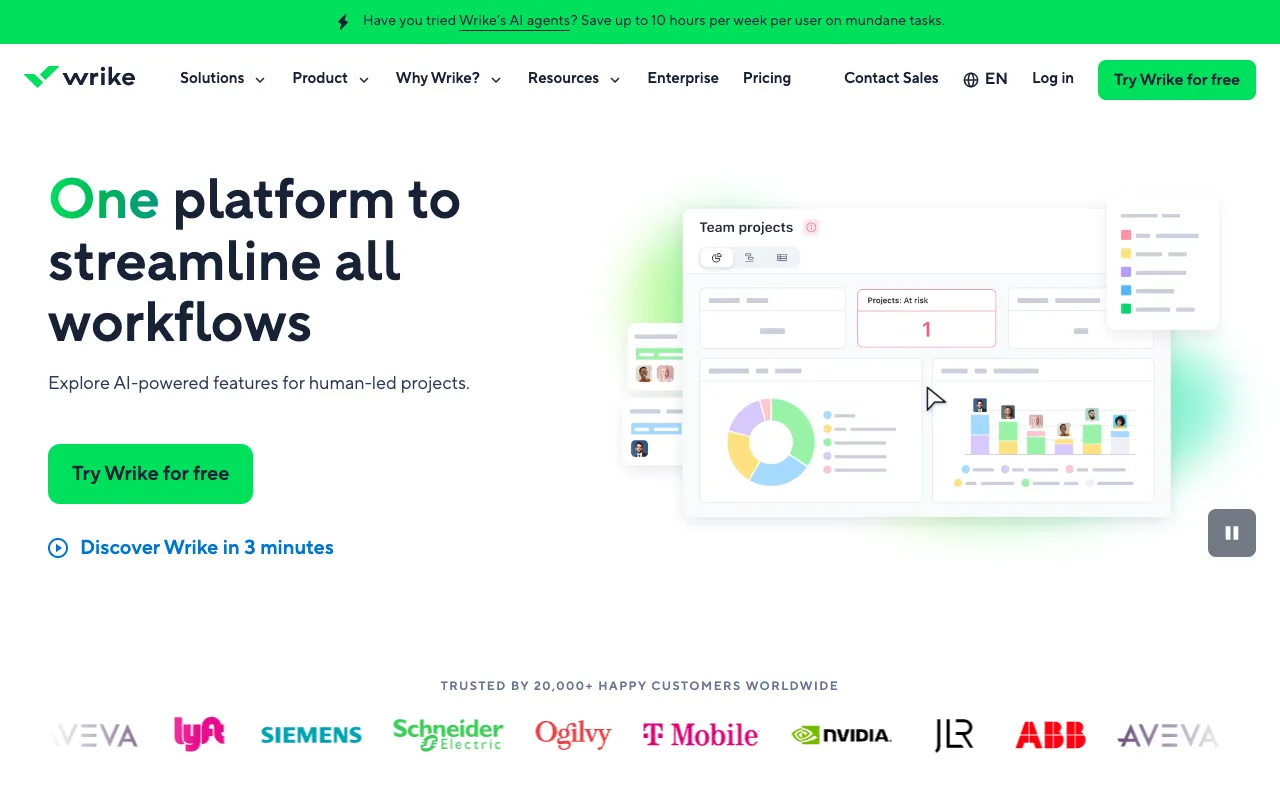
Wrike is an enterprise-grade project management platform built for cross-functional teams. Offers advanced resource management, proofing tools, and Gantt charts. Strong for agencies and professional services managing complex, structured workflows.

Pros

  • Excellent cross-team project visibility
  • Built-in proofing and approval workflows
  • Advanced resource management and workload balancing
  • Custom request forms for intake management
  • Strong security and compliance features

Cons

  • Steeper learning curve than simpler tools
  • Interface can feel dated compared to competitors
  • Free plan very limited (5 users, basic features)
  • Reporting requires Business plan or higher
  • Per-user pricing gets expensive at enterprise scale
Best for: Agencies and professional services teams managing complex cross-team projects
Visit Site
7
Basecamp

Basecamp

$15/user/mo or $299/mo flat

Pro Unlimited: $299/mo for unlimited users

Basecamp screenshot

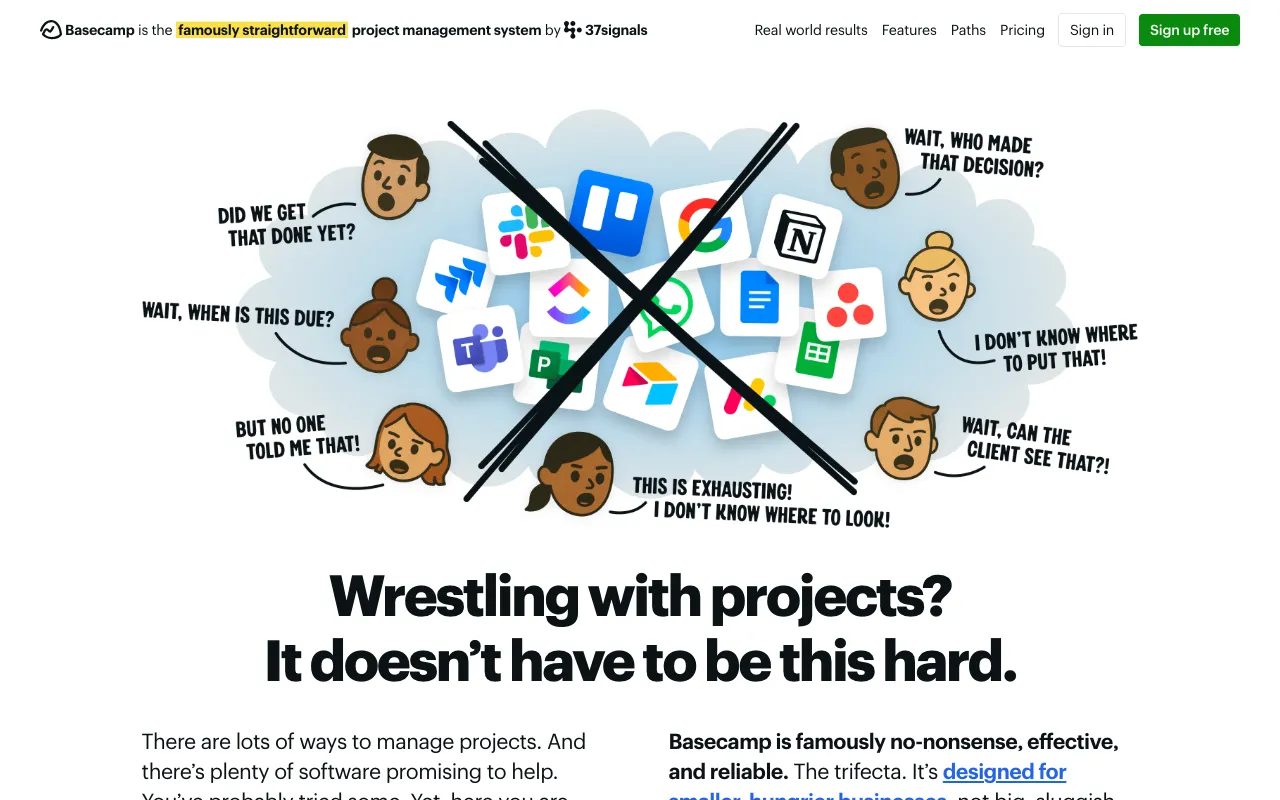
Basecamp takes a unique, opinionated approach to project management. Instead of customizable boards and views, it offers a structured set of tools: message boards, to-dos, schedules, docs, and group chat. Known for flat-rate pricing and simplicity.

Pros

  • Flat-rate pricing eliminates per-seat scaling costs
  • Built-in messaging reduces need for Slack
  • Simple, opinionated design prevents over-engineering
  • Hill Charts for unique project progress tracking
  • Great for client-facing project management

Cons

  • No Gantt charts, timelines, or kanban boards
  • Limited customization by design
  • No time tracking or resource management
  • Per-user plan expensive for small teams ($15/user)
  • Not suitable for agile or software development teams
Best for: Small teams (5-20 people) wanting a simple, all-in-one tool with predictable pricing
Visit Site
8
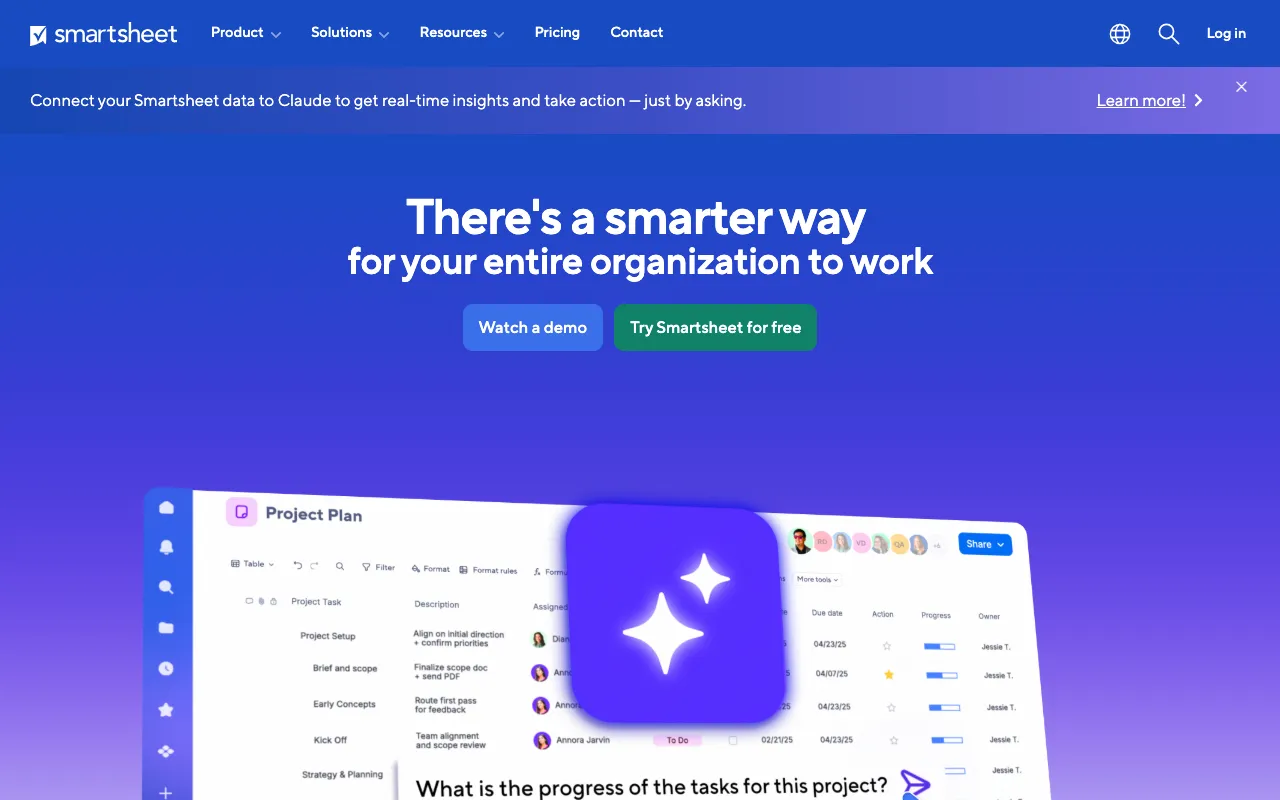
Smartsheet

Smartsheet

$7 - $25/user/mo

Free plan: 1 user, 2 sheets

Smartsheet screenshot

Smartsheet combines the familiarity of spreadsheets with project management capabilities. Offers Gantt charts, resource management, and dashboards in a grid-based interface. Ideal for teams transitioning from Excel to proper PM software.

Pros

  • Familiar spreadsheet-like interface
  • Powerful automation and conditional logic
  • Strong resource management features
  • Good for data-heavy project tracking
  • Extensive reporting and dashboards

Cons

  • Interface feels dated and spreadsheet-heavy
  • Steep learning curve for advanced features
  • Free plan extremely limited (1 user, 2 sheets)
  • Per-user pricing adds up quickly
  • Less intuitive than modern PM tools
Best for: Teams comfortable with spreadsheets wanting to level up to project management
Visit Site
9
Jira

Jira

$7.75 - $15.25/user/mo

Free plan: up to 10 users

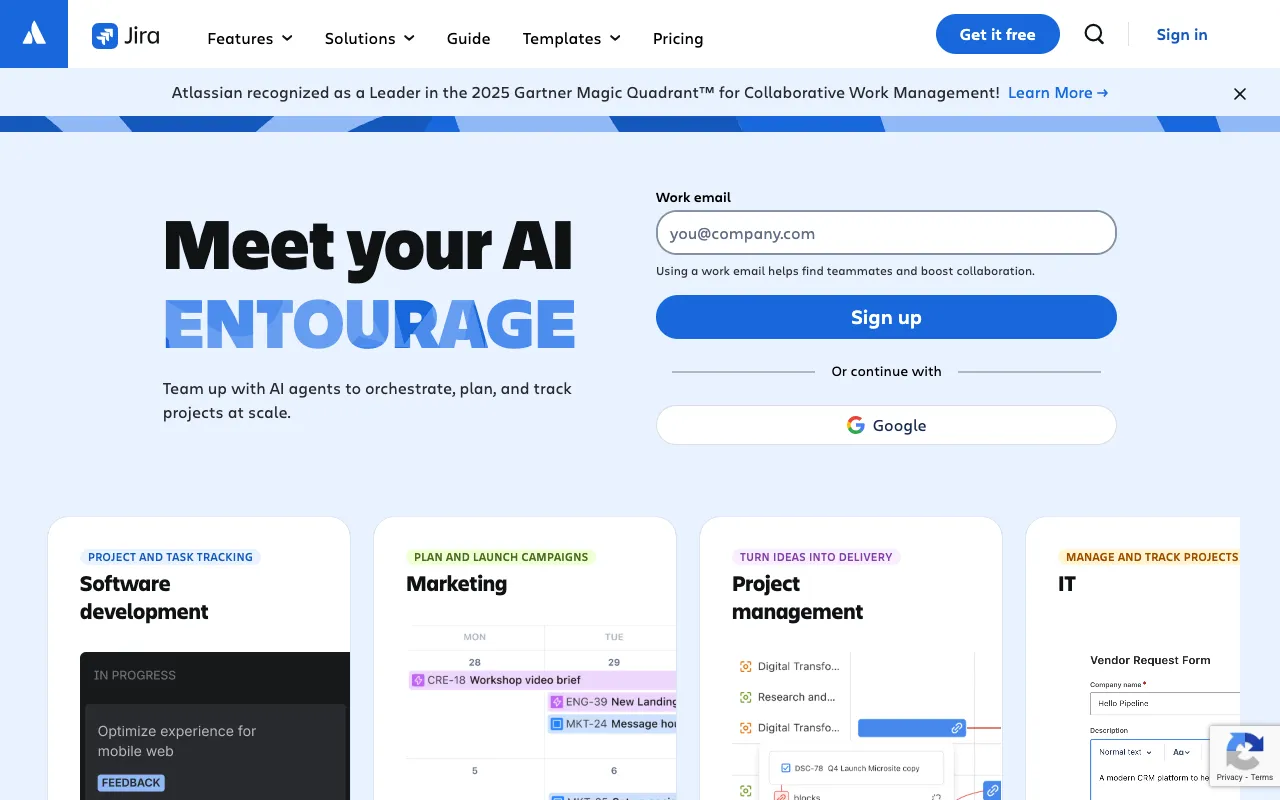
Jira screenshot

Jira by Atlassian is the industry standard for software development teams. Offers agile boards, sprints, backlogs, and advanced issue tracking. Deep integration with the Atlassian ecosystem (Confluence, Bitbucket, Trello).

Pros

  • Industry standard for agile software development
  • Advanced sprint planning and backlog management
  • Deep Atlassian ecosystem integration
  • Powerful issue tracking and bug management
  • Extensive marketplace with 3,000+ add-ons

Cons

  • Complex and over-engineered for non-dev teams
  • Significant learning curve for new users
  • Interface can feel cluttered and outdated
  • Per-user pricing at scale is expensive
  • Not designed for general project management
Best for: Software development teams practicing agile methodologies (Scrum or Kanban)
Visit Site
10
Linear

Linear

$8 - $14/user/mo

Free plan with unlimited members, limited issues

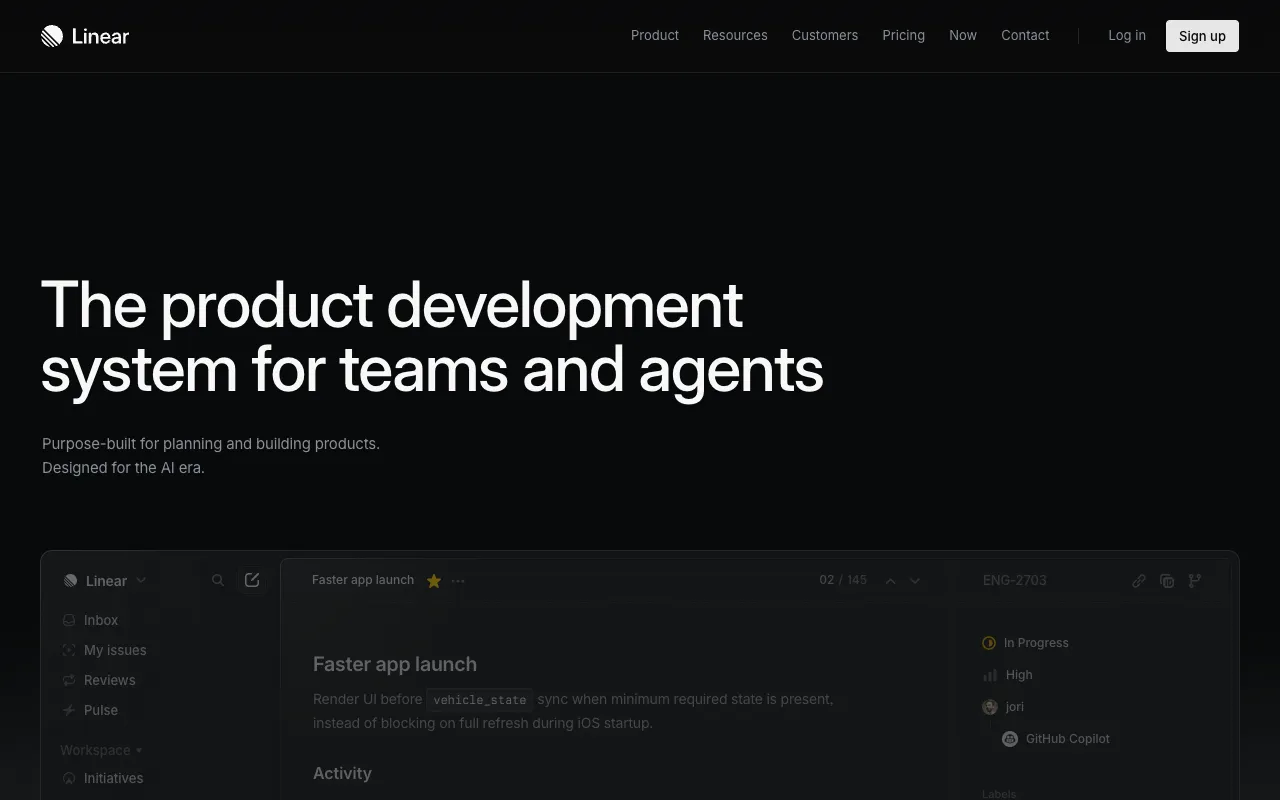
Linear screenshot

Linear is a modern, opinionated issue tracking tool designed for high-performing engineering teams. Known for its blazing-fast interface, keyboard shortcuts, and clean design. A modern alternative to Jira for product and engineering teams.

Pros

  • Fastest project management UI available
  • Beautiful, modern design with keyboard-first workflow
  • Built-in cycles (sprints) and roadmaps
  • Triage Intelligence AI for issue routing
  • Native GitHub and GitLab integration

Cons

  • Focused on engineering — limited for other teams
  • Opinionated design limits customization
  • No time tracking or resource management
  • Free plan limits total issues
  • Smaller integration ecosystem than competitors
Best for: Product and engineering teams wanting a fast, modern alternative to Jira
Visit Site

Asana Alternatives FAQ

ClickUp offers the most generous free plan with unlimited tasks and members. Trello is another excellent free option with unlimited cards and up to 10 boards. For AI-powered project management, the Relevance AI Project Manager is completely free and automates task creation, status updates, and team coordination without per-user fees.

The main reasons are: 1) Per-user pricing gets expensive fast — a 50-person team costs $550+/month on the Starter plan alone. 2) The free plan is limited to just 10 users. 3) Advanced features like portfolios, goals, and workflows require the expensive Business plan ($24.99/user/mo). 4) Simpler tools like Trello or AI-powered alternatives can handle most team workflows at a fraction of the cost.

For small teams (under 10 people), Trello is the top choice for its simplicity and generous free plan. Basecamp is great if you want messaging and project management in one tool with flat-rate pricing ($299/mo unlimited). ClickUp is ideal if you want more features at the lowest per-user cost ($7/user/mo).

AI agents like the Relevance AI Project Manager work alongside traditional PM tools, not as replacements. They automate the tedious parts of project management — creating tasks from meeting notes, generating status reports, prioritizing backlogs, and coordinating team updates — while you continue using your preferred PM platform for visual project tracking.

For large teams, Basecamp Pro Unlimited at $299/month (flat rate, unlimited users) offers the best value — a 100-person team costs just $2.99/person/month. ClickUp at $7/user/month is also very affordable. Trello Standard at $5/user/month is the cheapest per-user option for teams that only need kanban boards.

Jira remains the industry standard for agile software development with advanced sprint planning and backlog management. Linear is the modern alternative with a blazing-fast interface and keyboard-first workflow. For AI-powered project coordination across development teams, the Relevance AI agent can automate sprint summaries and task prioritization regardless of which tool you use.

Free your team.
Build your first AI agent today!

If you're exploring Relevance AI for the first time or discovering new features, we'll quickly guide you to start doing great work immediately.

Free plan No card required