






Relevance
Notion Logo

Top 10 Notion Alternatives for Knowledge Management

Notion struggling with offline access, slow databases, or expensive per-seat pricing? Compare the best alternatives with better AI, privacy, and performance.

Updated March 2026
10 tools compared
Free options included

Feature Comparison

See how the top tools stack up against each other

Relevance AI
Relevance AI Best Choice
Notion
Notion
Obsidian
Obsidian
Coda
Coda
Slite
Slite
ClickUp
ClickUp
Pricing
Starting Price Free $10/user/mo Free $10/mo $10/user/mo $7/user/mo
Free Plan
Per-Seat Pricing
AI Capabilities
AI Content Generation
AI-Powered Search
AI Knowledge Q&A
Custom AI Agents
Knowledge Management
Wiki / Knowledge Base
Offline Support
Self-Hosted Option
Database / Spreadsheets
Use Case
Best For AI Knowledge All-in-One Personal Notes Docs + Apps Team Wiki Project Mgmt
Try Relevance AI Free

No credit card required

All Notion Alternatives Compared

2
Notion

Notion

$10 - $24/user/month

Free plan: 1 user, limited blocks for guests
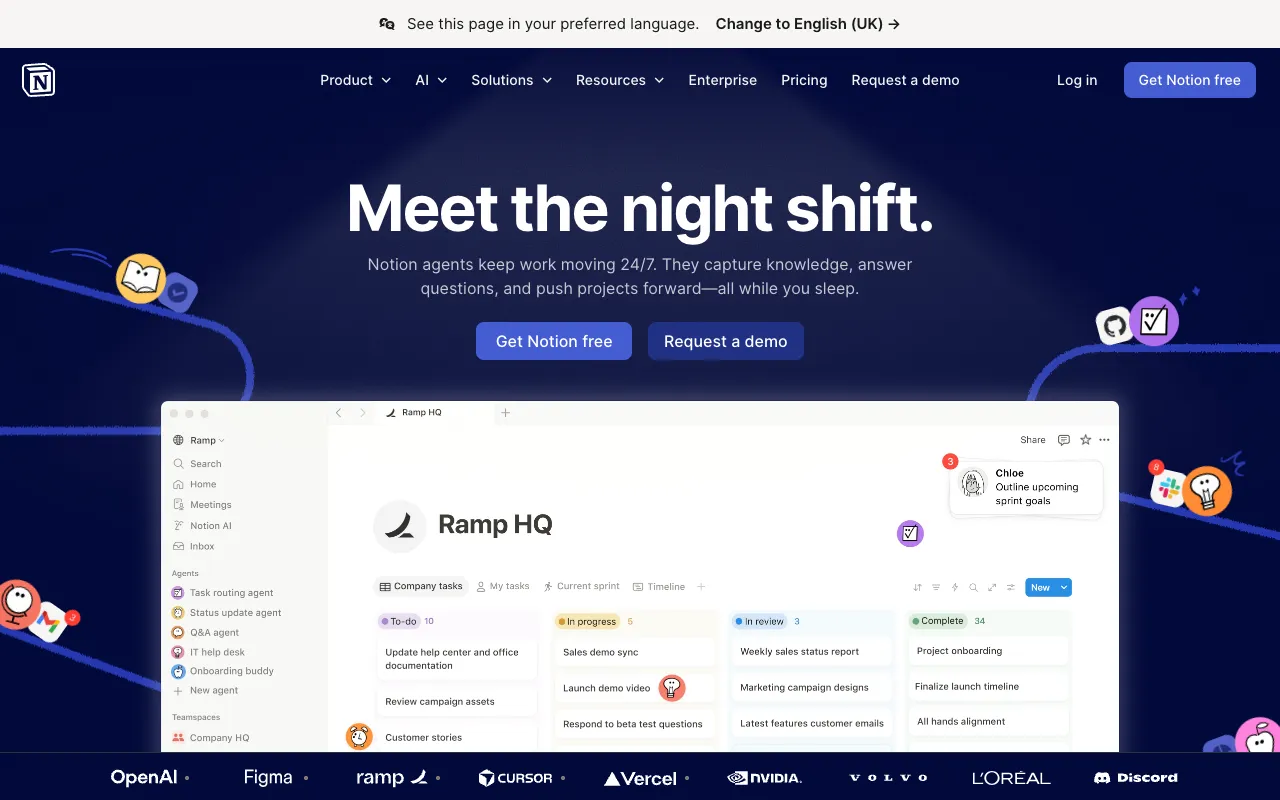
Notion screenshot

Notion is the all-in-one workspace with 100M+ users. Combines docs, wikis, databases, and project management in a single tool. Its block-based editor is flexible and powerful, though the learning curve can be steep for new users.

Pros

  • All-in-one workspace (docs, databases, wikis, projects)
  • Powerful block-based editor with rich embeds
  • Huge template library and community
  • Notion AI for writing and Q&A
  • Strong API and integrations ecosystem

Cons

  • No offline support — requires internet connection
  • Can feel slow with large databases
  • Steep learning curve for advanced features
  • Per-seat pricing gets expensive for larger teams
  • Free plan heavily restricted for team use
Best for: Individuals and teams wanting an all-in-one workspace for docs, wikis, and lightweight project management
Visit Site
3
Obsidian

Obsidian

Free (Sync: $10/mo)

Free for personal and commercial use

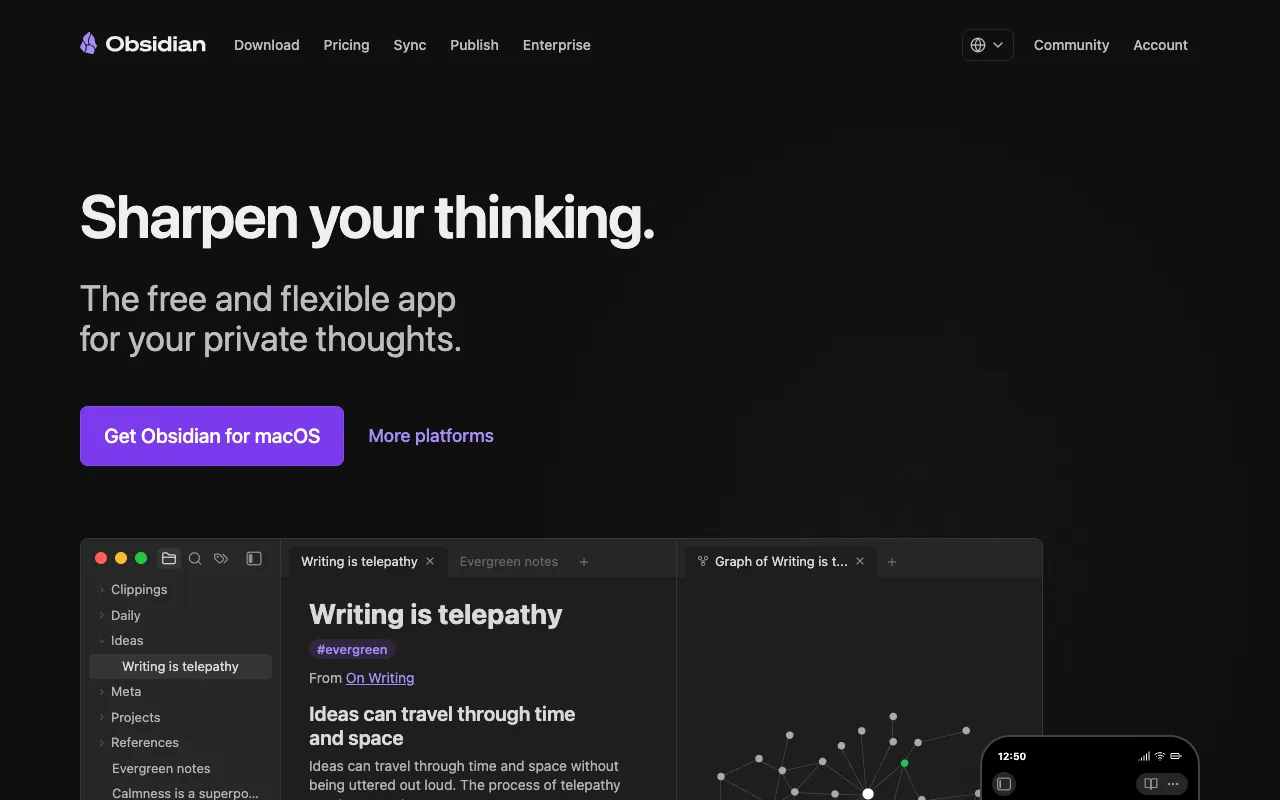
Obsidian screenshot

Obsidian is a privacy-first, local-first note-taking app that stores notes as plain Markdown files on your device. Its bi-directional linking, graph view, and 1,800+ community plugins make it the most powerful personal knowledge management tool available.

Pros

  • Completely free for personal and commercial use
  • Full offline support — notes stored locally as Markdown
  • Massive plugin ecosystem (1,800+ community plugins)
  • Bi-directional linking and knowledge graph
  • Total privacy — your data never leaves your device

Cons

  • No built-in real-time collaboration
  • Sync across devices requires paid add-on ($10/mo)
  • Steep learning curve for non-technical users
  • No native database or spreadsheet views
  • Publish to web requires separate paid add-on ($10/mo)
Best for: Individuals and developers who want full ownership of their notes with powerful linking and plugins
Visit Site
4
Coda

Coda

$10 - $30/user/month

Free plan: unlimited docs with some limits

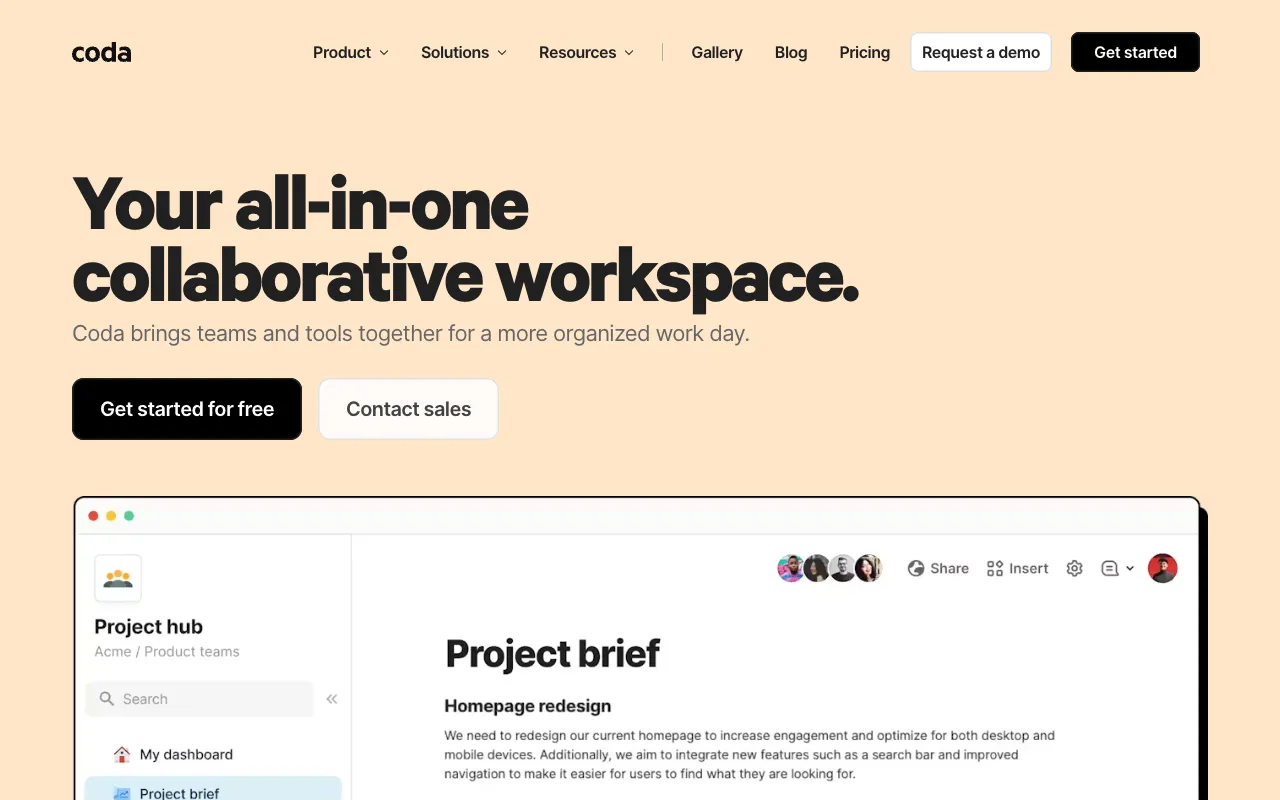
Coda screenshot

Coda combines the flexibility of documents with the power of spreadsheets and apps. Build custom workflows, interactive tables, and automations inside a single doc. Its "doc maker" billing model means only creators pay — viewers and editors are free.

Pros

  • Documents that work like apps (buttons, automations, formulas)
  • Only doc makers pay — editors and viewers are free
  • Powerful tables with formulas and cross-doc references
  • Built-in Coda AI for content and formula generation
  • Strong integration packs (Slack, Jira, GitHub, etc.)

Cons

  • Learning curve to build advanced docs
  • Can feel complex for simple note-taking
  • No offline mode
  • Performance can lag with very large docs
  • Pricing jumps significantly from Pro to Team
Best for: Teams that need interactive documents with spreadsheet power, automations, and custom workflows
Visit Site
5
Slite

Slite

$10 - $25/user/month

No free plan, 14-day trial available

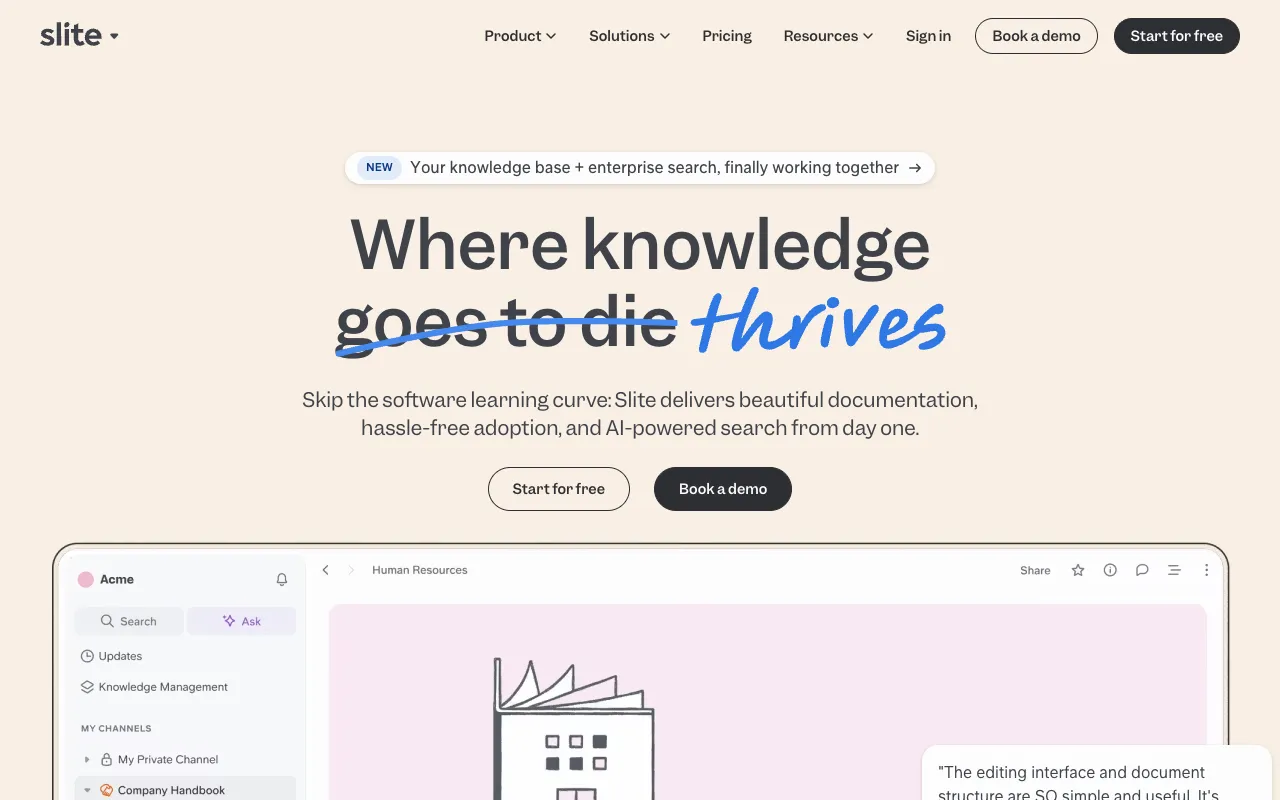
Slite screenshot

Slite is a modern team knowledge base with AI-powered search and Q&A. Designed specifically for internal documentation, SOPs, and onboarding guides. Its AI "Ask" feature lets team members get instant answers from your docs.

Pros

  • AI-powered "Ask" answers questions from your docs
  • Clean, focused interface for knowledge management
  • Enterprise Search connects external tools (Slack, Google Drive)
  • Built for team wikis and internal documentation
  • Real-time collaboration on all docs

Cons

  • No free plan — starts at $10/user/month
  • Limited AI queries on standard plan (30/user/month)
  • No database or spreadsheet functionality
  • Smaller integration library than competitors
  • Less suitable for personal note-taking
Best for: Teams needing a dedicated knowledge base with AI-powered search and internal documentation
Visit Site
6
ClickUp

ClickUp

$7 - $12/user/month

Free plan: unlimited tasks, 60MB storage

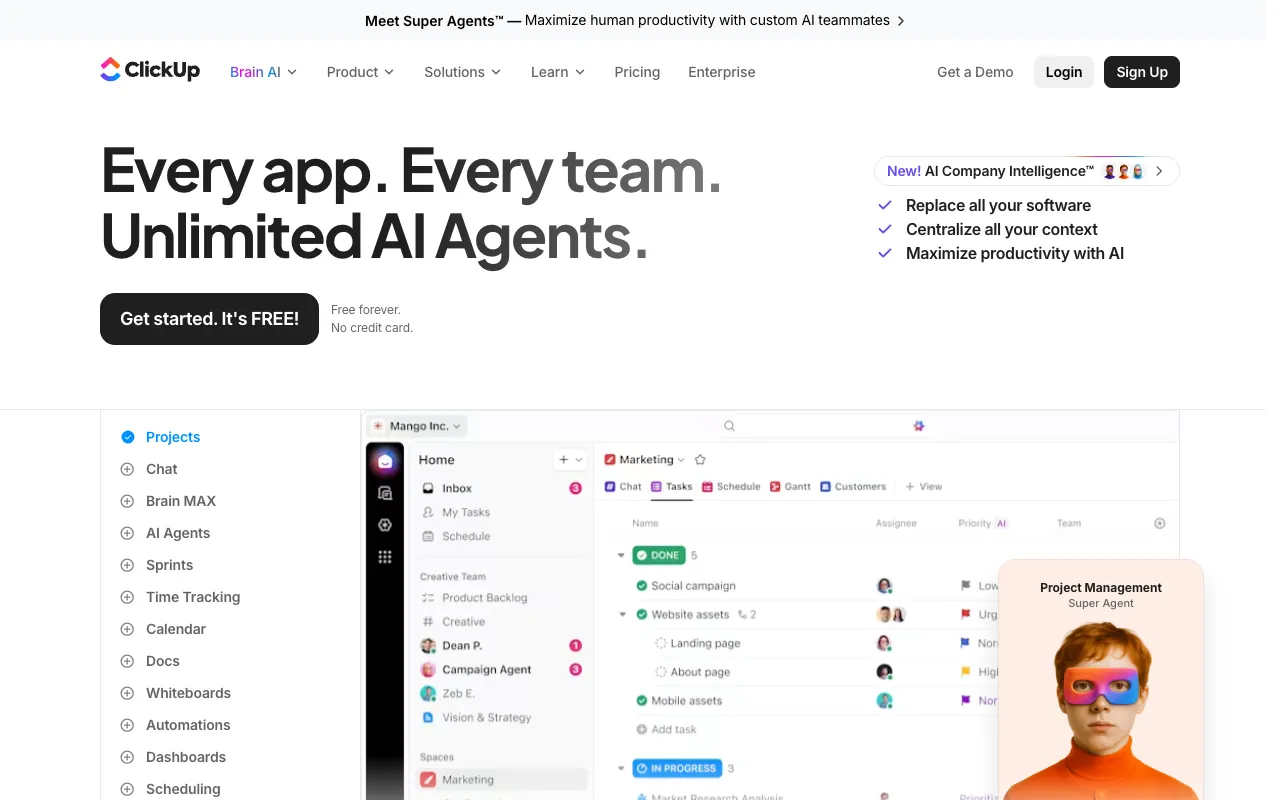
ClickUp screenshot

ClickUp is a comprehensive project management platform that also offers docs, wikis, and knowledge bases. With task management, databases, whiteboards, and AI built in, it aims to replace multiple tools with a single workspace.

Pros

  • All-in-one: tasks, docs, wikis, databases, whiteboards
  • Generous free plan with unlimited tasks and users
  • Strong project management and task tracking
  • ClickUp AI for writing and summarization
  • Multiple views: list, board, Gantt, calendar

Cons

  • Feature overload — can be overwhelming
  • Docs feature less polished than dedicated tools
  • AI add-on costs extra ($7/user/month)
  • Mobile app can feel cluttered
  • Steeper learning curve due to feature density
Best for: Teams wanting project management and knowledge management in a single platform
Visit Site
7
Confluence

Confluence

$5.16 - $12.30/user/month

Free plan: up to 10 users, 2GB storage

Confluence screenshot

Confluence by Atlassian is the enterprise-standard wiki and documentation platform. Deeply integrated with Jira, it excels at technical documentation, meeting notes, and cross-team knowledge sharing for large organizations.

Pros

  • Deep Jira integration for development teams
  • Free plan for up to 10 users
  • Databases and structured page templates
  • Enterprise-grade security and compliance
  • Strong permission controls and spaces

Cons

  • Interface feels dated compared to modern tools
  • Can be slow and clunky with large spaces
  • Search quality often criticized
  • Per-user pricing gets expensive at scale
  • Steep learning curve for non-technical users
Best for: Development and enterprise teams already using Jira who need structured documentation and wikis
Visit Site
8
Nuclino

Nuclino

$6 - $12.50/user/month

Free plan: up to 50 items, 2GB storage

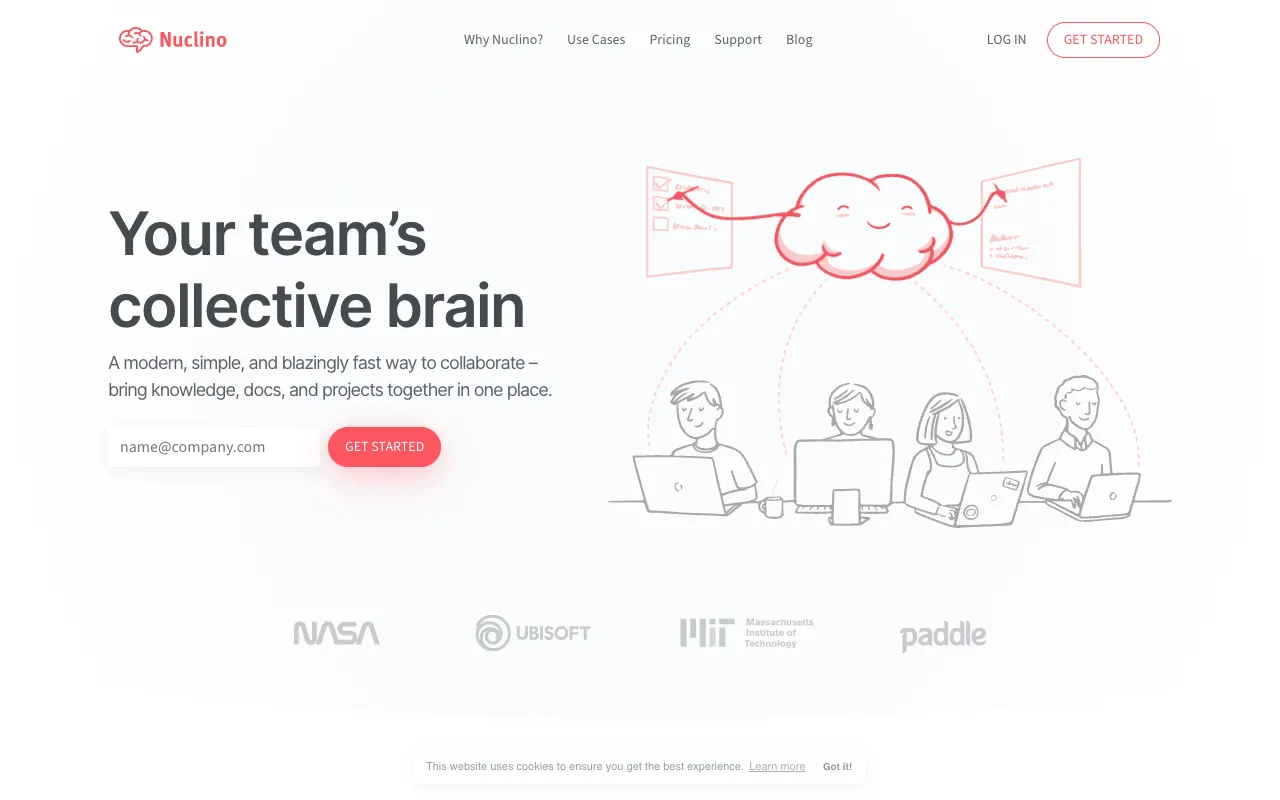
Nuclino screenshot

Nuclino is a lightweight, fast team wiki that organizes knowledge in lists, boards, tables, or a visual graph. Known for its instant-loading pages and clean interface, it is one of the simplest alternatives to Notion for teams that just need a wiki.

Pros

  • Blazing-fast page loading and search
  • Multiple views: list, board, table, graph
  • Clean, minimal interface with zero bloat
  • Sidekick AI for content generation
  • SOC 2, ISO 27001, and GDPR compliant

Cons

  • Free plan limited to 50 items
  • No database or spreadsheet features
  • Limited customization compared to Notion
  • Smaller ecosystem and integration library
  • Advanced AI only on Business plan
Best for: Small to mid-size teams wanting a fast, simple wiki without the complexity of Notion
Visit Site
9
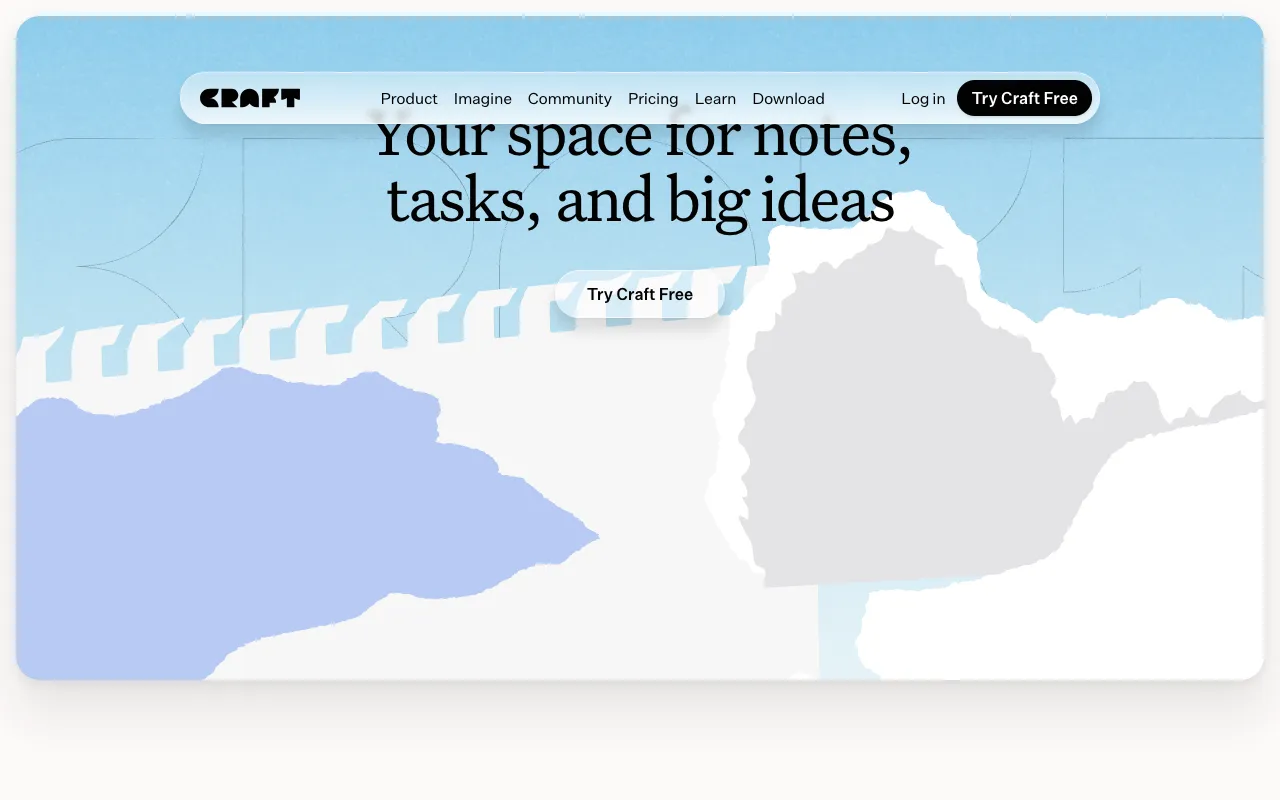
Craft

Craft

$8 - $10/month

Free plan: 10 documents, 1GB storage

Craft screenshot

Craft is a beautifully designed document editor for Apple ecosystem users. With native macOS and iOS apps, it offers a polished writing experience with block-based editing, real-time collaboration, and strong offline support.

Pros

  • Beautiful, native Apple design (macOS, iOS, visionOS)
  • Excellent offline support on all platforms
  • Block-based editor with smooth UX
  • AI assistant for writing and summarization
  • Easy sharing with password-protected links

Cons

  • Apple-first — limited Windows/Android support
  • Free plan restricted to 10 documents
  • No database or spreadsheet features
  • Team plan starts at $50/month total
  • Less suitable for complex project management
Best for: Apple users and small teams wanting a beautiful, native document editor with offline support
Visit Site
10
Taskade

Taskade

$20 - $100/month

Free plan: 150 AI tasks/month, unlimited projects

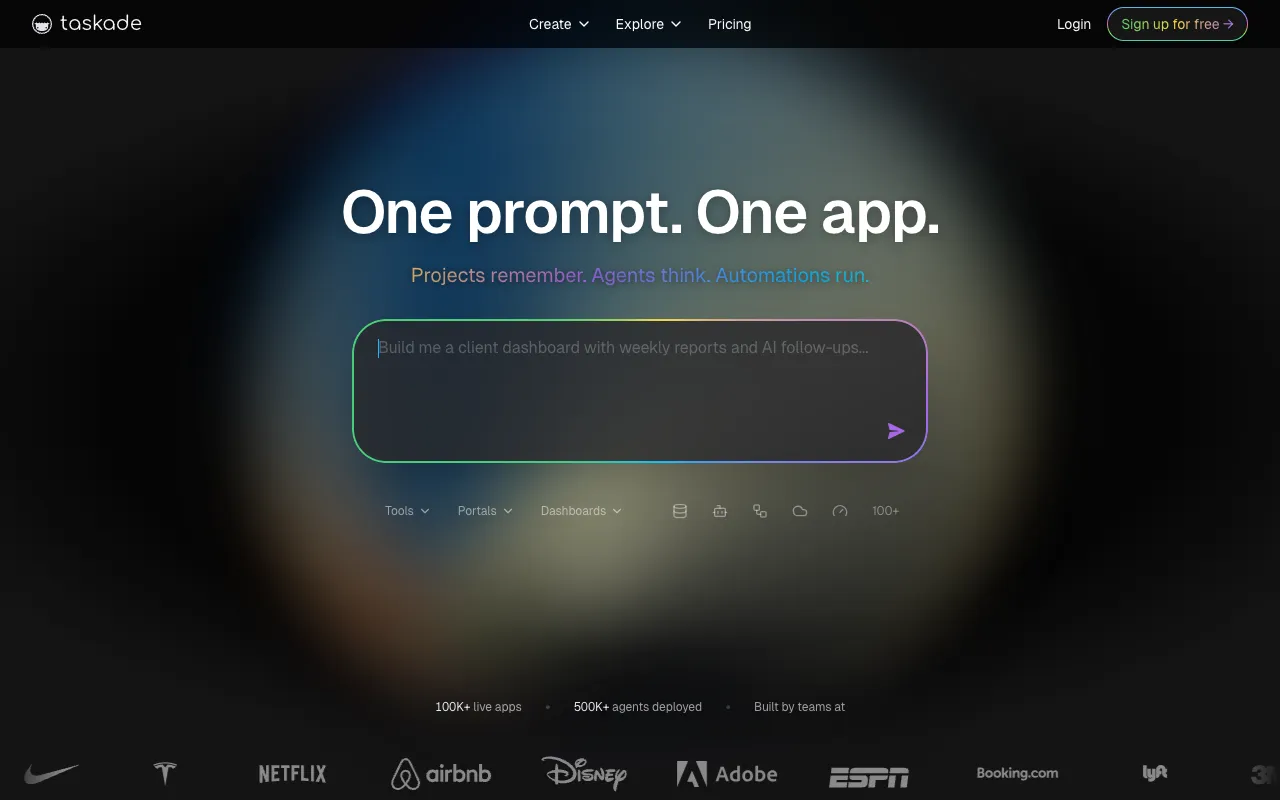
Taskade screenshot

Taskade is an AI-powered workspace that combines notes, tasks, and mind maps with autonomous AI agents. Its AI can generate workflows, automate tasks, and assist with project planning. Multiple views let teams switch between outlines, boards, and calendars.

Pros

  • AI agents that automate tasks and workflows
  • Multiple views: outline, board, mind map, calendar
  • Real-time collaboration with video chat
  • Cross-platform (web, desktop, mobile)
  • Template generator and workflow automation

Cons

  • AI features limited on free plan (150 tasks/month)
  • Paid plans are more expensive than competitors
  • Interface can feel cluttered
  • Less established than Notion or ClickUp
  • Knowledge base features less developed
Best for: Teams wanting AI-powered task management with built-in automation and workflow generation
Visit Site

Notion Alternatives FAQ

Obsidian is the best free alternative to Notion for personal use — it is completely free for both personal and commercial use, stores notes locally as Markdown files, and has a massive plugin ecosystem. For team knowledge management, the Relevance AI Knowledge Manager is completely free and uses AI to answer questions from your existing docs across Google Drive, Notion, Confluence, and more.

The main reasons are: 1) No offline support — Notion requires an internet connection, which frustrates mobile users. 2) Per-seat pricing gets expensive for growing teams ($10-24/user/month). 3) Performance issues with large databases and workspaces. 4) Privacy concerns — all data is stored on Notion's servers with no self-hosting option. 5) Notion AI costs extra and has usage limits. Many users find better value with Obsidian (free, offline), Slite (better AI search), or ClickUp (better project management).

For team wikis and documentation, Slite is the top choice with its AI-powered "Ask" feature that answers questions from your docs. ClickUp is best if you need project management alongside docs. Confluence is ideal for development teams using Jira. For AI-powered knowledge retrieval across all your tools, the Relevance AI Knowledge Manager connects to multiple sources and gives your team instant answers.

AI knowledge management agents like the Relevance AI Knowledge Manager work alongside your existing tools, not as replacements. They connect to your Google Drive, Notion, Confluence, and other sources to provide instant AI-powered answers to team questions. Instead of manually organizing wikis, the AI finds and synthesizes the right information automatically — saving hours of searching and reading.

Obsidian is the most privacy-focused Notion alternative — notes are stored locally on your device as plain Markdown files and never touch a server unless you opt into paid Sync. AppFlowy is an open-source, self-hosted alternative that gives you full control over your data. Both are excellent choices for users who prioritize data ownership and privacy.

Obsidian offers the best offline experience since all notes are stored locally as Markdown files — it works completely without internet. Craft also provides strong offline support with native macOS and iOS apps that sync when you reconnect. Most other Notion alternatives (Coda, Slite, ClickUp, Confluence) require an internet connection.

Free your team.
Build your first AI agent today!

If you're exploring Relevance AI for the first time or discovering new features, we'll quickly guide you to start doing great work immediately.

Free plan No card required