

Creator
Integrations

Description
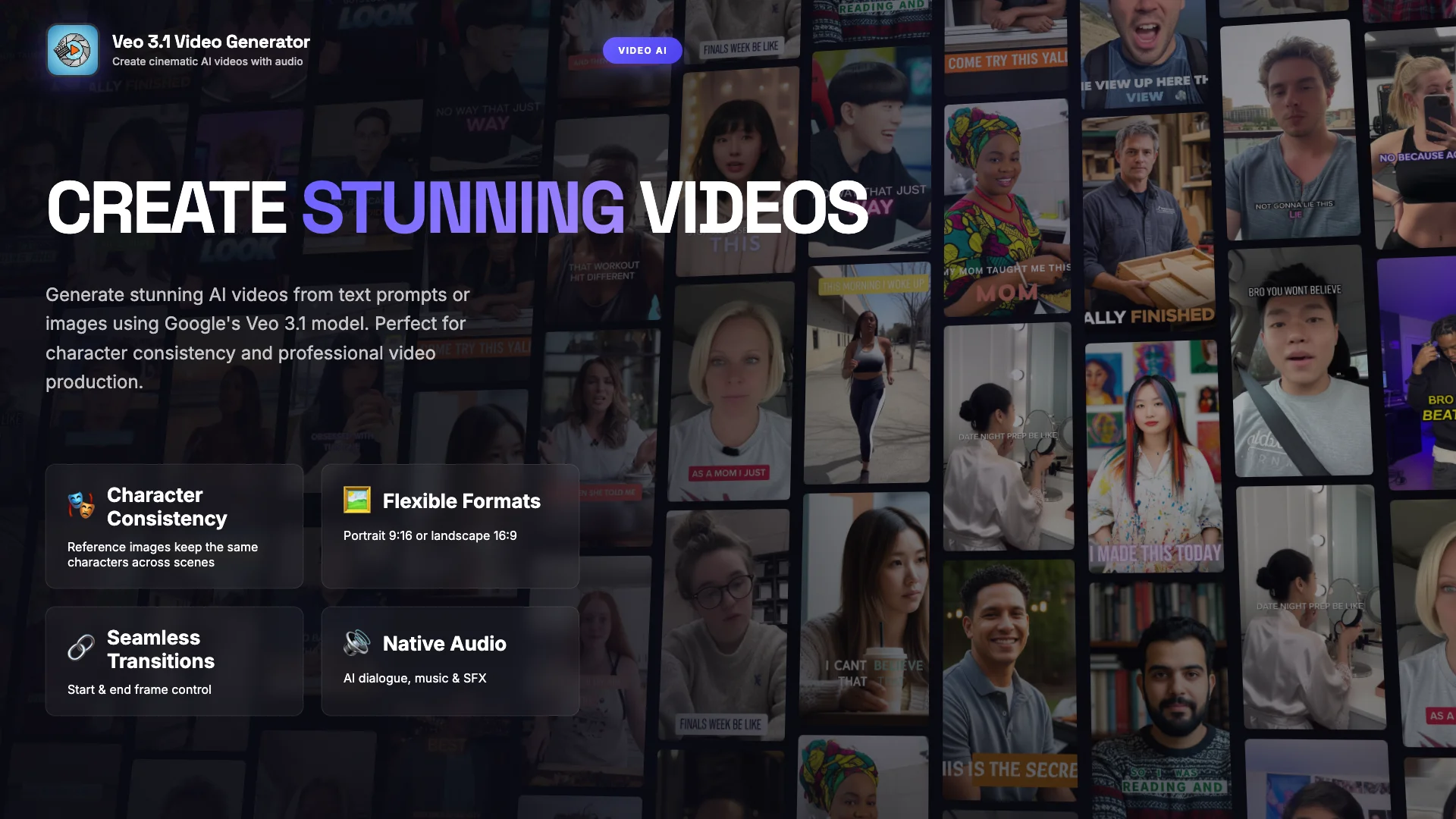
Generate stunning AI videos from text prompts or images using Google's Veo 3.1 model. Create cinematic content with native audio, dialogue, and sound effects. Features reference images for character consistency and last frame support for smooth transitions.
Rating
 (1)
(1) Clones

Category
Example Task


Veo 3.1 — High-Fidelity Text-to-Video With Native Audio & Reference-Image Control
Google’s Veo 3.1 brings cinematic video generation to your workflow with sharper visuals, synchronized native audio, and consistent characters via reference images. Generate 4–8s videos up to 1080p, start from text or images, and guide realism with start/end frames or 1–3 reference shots for subject-locked results.
Perfect for creators, marketers, studios, and prototyping, Veo 3.1 delivers prompt-accurate scenes, lifelike motion, camera direction control, and smooth transitions.
Use it for storyboards, shorts, ads, trailers, character moments, product videos, and animated concept art.
Key Capabilities
🧠 Deep prompt understanding — handles complex scenes, styles & camera moves
🎙 Native synchronized audio — ambient, dialogue, effects, music cues
👤 Reference-image consistency — maintain subjects across clips
🖼 Image-to-video & frame interpolation — animate concepts or bridge scenes
🎥 Cinematic control — shot types, lighting, motion, transitions
📐 Flexible formats — 16:9 or 9:16, 720p/1080p, 24 FPS
Best For
Marketing & UGC creators — product demos, hooks, short-form ads
Filmmakers / pre-viz — animated storyboards, previz sequences
Brands & agencies — consistent on-camera spokespeople
Educators & explainers — visual narratives with synced sound
Tips for Best Results
Add camera instructions + mood + sound cues in prompts
Use clear reference images to lock characters & style
Describe motion & atmosphere, not just objects in the frame
Start generating → Create polished, character-consistent videos with realistic motion, smooth camera work, and native audio — all driven by natural language prompts.
Ratings and reviews
Based on 1 ratings
Great tool,
You might also like


Google Trends Scraper
 Tool •
 Google Trends Scraper Instantly analyze search trends for any keywords and get clear, actionable data. What It Does Interest Over Time — Track how search volume changes across months and years Compare Keywords — Analyze multiple search terms side-by-side Geographic Breakdown — See where keywords are trending by region Trend Predictions — Get regression analysis and predicted direction (rising, falling, sideways) Key Features Scrape real Google Trends data via Apify Customize time range (past day to all-time) Filter by country or go worldwide Returns structured data ready for analysis Who It's For Marketers and SEO specialists Content strategists and product managers Market researchers and growth hackers Example Tasks "Compare interest in Claude AI vs ChatGPT over the past year" "What's trending in AI agents in the US this quarter?" "Show me search trends for relevance ai vs langchain in Australia"

Read PowerPoint Content
Tool • Extract all text and describe all images within a PPTX file

LinkedIn Company Employees Search
Tool • LinkedIn Company Employees Search Easily find employees at any company on LinkedIn with this tool! What It Does Search by company name or LinkedIn URL. Filter by job title, seniority, department, or region. Set how many results you want. Get detailed profiles: name, title, company, location, LinkedIn URL, skills, and more. Key Features Fast, targeted employee searches Rich profile data for every result Flexible filters for precise results Saves hours on manual LinkedIn browsing Who Should Use This Sales teams for prospecting Recruiters finding talent Market researchers studying companies Business development pros building lists