Relevance
OpenClaw Logo

Top 10 OpenClaw Alternatives for AI Personal Assistants

Looking for an OpenClaw alternative? Compare the best AI personal assistants — or skip self-hosting entirely with free, ready-made AI agents.

Updated February 2026
10 tools compared
Free options included

Feature Comparison

See how the top tools stack up against each other

Relevance AI
Relevance AI Best Choice
OpenClaw
OpenClaw
Manus AI
Manus AI
ChatGPT
ChatGPT
Claude
Claude
n8n
n8n
Setup & Deployment
Cloud / Managed
Self-Hosted Option
No-Code Setup
Time to First Value Minutes Hours–Days Minutes Instant Instant ~30 min
Agent Capabilities
Autonomous Task Execution Limited Limited
Persistent Memory
Multi-Agent Support
Pre-Built Agents / Templates 1,000+ 3,200+ skills Limited GPT Store 1,000+
Custom Agent Builder
Integrations
WhatsApp
Slack
Email / Gmail
Google Calendar
Web Browsing
Security & Trust
SOC 2 Certified
Enterprise SSO
Sandboxed Execution
Pricing
Software Cost Free tier Free (OSS) $39–199/mo $0–200/mo $0–100/mo Free–$20/mo
Typical Monthly Cost $0–99 $5–300 (API) $39–199 $20 $20 $0–50
Free Tier
Browse Free Agents

No credit card required

#1 Pick

Skip the Self-Hosting: Use Ready-Made AI Agents

Why manage Docker, API keys, and security patches when you can clone a working agent in seconds? These pre-built agents handle the same use cases as OpenClaw — zero infrastructure required.

No Infrastructure

No servers, no Docker, no security patches. Zero vulnerabilities to manage.

Pre-Built Agents

WhatsApp, email, sales, content creation — ready to use in seconds.

Free to Clone

No API costs, no per-second charges. Clone any agent and start using it immediately.

LinkedIn Outreach & Follow up
Web Scraper
Google Search

LinkedIn Outreach & Follow up

agent Agent 3.8 Star (10)
Clone
912

💼 LinkedIn Outreach AI Agent This agent helps you master LinkedIn outreach for company_name by combining deep research with personalized messaging. 🔹 What It Does Researches every prospect and their company before you reach out. Checks if you’re already connected, then sends tailored connection requests or DMs. Crafts messages based on real insights—never templates. Tracks replies and helps you handle responses with care. 🔹 Key Features Research tools for prospect and company info. LinkedIn tools for connection checks, messaging, and conversation tracking. Follows best practices: short, relevant, and value-driven messages. 🔹 Who Should Use It Perfect for sales reps, business development pros, recruiters, and founders who want real LinkedIn conversations—not spam. ✨ Try it now to start meaningful LinkedIn dialogues and boost your reply rates!

Michael Shaimerden
Free
WhatsApp AI Agent

WhatsApp AI Agent

agent Agent 2.5 Star (2)
Clone
348

💬 WhatsApp AI Agent – Your 24/7 WhatsApp Assistant Automate, organize, and enhance your WhatsApp conversations with smart AI! This agent instantly replies to all incoming messages with friendly, clear, and professional answers. It remembers your chat history, keeps context, and helps you plan, schedule, and organize your day. No more missed messages or forgotten follow-ups! 🔹 Key Features Instant, warm replies to every WhatsApp message. Remembers previous chats for smooth, natural conversations. Helps with planning, scheduling, and quick info lookup. Auto-saves new contacts and manages multiple chats. Retrieves chat history for context-aware responses. Sends messages, starts new chats, and personalizes replies. Respects your privacy and keeps conversations professional. 🔹 Who Is This For? Busy professionals who need help managing WhatsApp. Small business owners automating customer chats. Customer service teams for fast, friendly replies. Anyone wanting a smart chat organizer. 🔹 Tools That Help Get all chats and messages. Fetch user profiles. Start new chats and send messages. ✨ Try WhatsApp AI Agent now

Relevance AI
Free
VEO 3.1 AI Video Generator
Veo 3.1 AI Video Generator

VEO 3.1 AI Video Generator

tool Tool 5.0 Star (1)
Clone
231

Veo 3.1 — High-Fidelity Text-to-Video With Native Audio & Reference-Image Control Google’s Veo 3.1 brings cinematic video generation to your workflow with sharper visuals, synchronized native audio, and consistent characters via reference images. Generate 4–8s videos up to 1080p, start from text or images, and guide realism with start/end frames or 1–3 reference shots for subject-locked results. Perfect for creators, marketers, studios, and prototyping, Veo 3.1 delivers prompt-accurate scenes, lifelike motion, camera direction control, and smooth transitions. Use it for storyboards, shorts, ads, trailers, character moments, product videos, and animated concept art. Key Capabilities 🧠 Deep prompt understanding — handles complex scenes, styles & camera moves 🎙 Native synchronized audio — ambient, dialogue, effects, music cues 👤 Reference-image consistency — maintain subjects across clips 🖼 Image-to-video & frame interpolation — animate concepts or bridge scenes 🎥 Cinematic control — shot types, lighting, motion, transitions 📐 Flexible formats — 16:9 or 9:16, 720p/1080p, 24 FPS Best For Marketing & UGC creators — product demos, hooks, short-form ads Filmmakers / pre-viz — animated storyboards, previz sequences Brands & agencies — consistent on-camera spokespeople Educators & explainers — visual narratives with synced sound Tips for Best Results Add camera instructions + mood + sound cues in prompts Use clear reference images to lock characters & style Describe motion & atmosphere, not just objects in the frame Start generating → Create polished, character-consistent videos with realistic motion, smooth camera work, and native audio — all driven by natural language prompts.


Michael Shaimerden
Free
Video Personalization Agent
Extract website content
Lipsync
Lipsync

Video Personalization Agent

agent Agent
Clone
111

Video Personalization Agent for Enterprise GTM Teams Create high-impact personalized sales and marketing videos at scale using AI. This agent automatically researches a prospect’s business, generates a tailored script, records a talking-head video using AI voice and lipsync, and delivers a ready-to-send video asset in minutes. Built for modern enterprise Go-To-Market teams that want higher reply rates, faster deal cycles, and less manual work. What This Agent Does The Video Personalization Agent automates the full workflow of creating personalized outbound and account-based marketing videos. End-to-end flow: Scrapes a prospect’s website to understand their business Captures a screenshot of a relevant page for visual context Writes a short, confident video script tailored to that business Generates AI voice audio and lip-synced talking-head video Overlays the talking-head video on the prospect’s website screenshot Saves a permanent video URL ready for outreach or campaigns The result is a personalized video that feels hand-crafted but is fully automated. Designed for Enterprise GTM Use Cases This agent is purpose-built for teams operating at scale across sales, marketing, and revenue operations. Core GTM Jobs To Be Done Personalize outbound without hiring more SDRs Increase reply rates in cold email and LinkedIn outreach Shorten sales cycles with relevant, visual explanations Scale account-based marketing across hundreds of accounts Reduce manual research and video recording time Deliver consistent messaging across global teams High-Value Use Cases AI BDR and Sales Teams Personalized video intros for outbound leads Custom account walkthroughs for enterprise prospects Deal follow-ups with visual explanations Warm handoff videos from SDR to AE Marketing and ABM Teams 1:1 landing page videos for target accounts Campaign-specific video personalization Website audits and tailored product overviews Video-based lead magnets for high-intent prospects RevOps and Growth Teams Automated video creation triggered from CRM Consistent messaging across regions and segments Faster experimentation with personalized messaging Scalable personalization without operational overhead Built-In Relevance AI Value Storytelling Each video script demonstrates how Relevance AI can help their business specifically. The agent: Explains how Relevance AI builds teams of AI agents that do real work Shows how those agents save time, reduce manual effort, and improve quality Positions AI as an operational advantage, not a demo toy Example AI Agents Highlighted in Videos Depending on the business, the script may include: AI BDR Agent for instant lead engagement and qualification AI Research Agent for fast market and account insights AI Support Agent for handling customer questions at scale AI Operations Agent for automating internal workflows All examples are tailored to the prospect’s industry and GTM motion. Script Style and Tone Excited and confident Clear and conversational language Short sentences designed for spoken delivery No complex grammar Optimized for 20 to 30 second videos Focused on real outcomes like revenue, speed, and quality Enterprise-Ready Proof Relevance AI is trusted by companies like: SafetyCulture DigitalOcean Qualified This agent helps tell that story in a way that feels personal and relevant to every prospect. Prerequisites To run this agent, you will need: An ElevenLabs voice ID and API key A face video URL used for lipsync Imagine What Your AI Workforce Could Do This agent gives prospects a clear picture of what is possible when AI agents handle real GTM work. Imagine your own custom AI agents: Engaging leads instantly Researching accounts automatically Supporting customers around the clock Executing GTM workflows without manual effort This agent helps your buyers see that future in under 30 seconds.

Michael Shaimerden
Free
60s Video Maker (Kling)

60s Video Maker (Kling)

agent Agent 4.3 Star (3)
Clone
96

Make a 60s video with Kling from a single short prompt. I recommend generating a few using the same prompt at a time, then cut the best parts to make the most out of it as video generation in general still has a way to go.

Becca Williams
Free
The Enterprise Document Language Translator

The Enterprise Document Language Translator

workforce Workforce 5.0 Star (1)
Clone
92

Stop Letting Poor Translations Slow Down Your Organisation Every enterprise carries risk when translations are unclear. Idioms collapse meaning. Tone shifts without warning. Technical terms get lost. Staff misunderstand instructions. Customers lose trust. The Enterprise Document Language Translator solves this through a four agent pipeline that supports all languages and all document types. It produces audit ready translations in thirty seconds and keeps your messaging clear across regions and teams. You can start it through chat or connect it to other workforces to build a complete translation workflow. You chat. It translates. You get a clean audit trail. What You Get Simple Chat Command @EnterpriseTranslate "Paste document" SOURCE English TARGET Spanish,Japanese,Dutch Four Agent Workflow Engine drafts a translation Auditor highlights tone, meaning and terminology issues through JSON Optimiser applies all fixes then polishes the final text API outputs a finished translation with workflow ready JSON Enterprise Accuracy Across All Use Cases Fixes idioms and informal phrasing Handles technical, operational and organisational language Preserves structure and formatting Delivers confidence scoring and full audit transparency Designed for Workflow Integration You can connect this workforce to document reviewers, contract analysers, communication drafters or any other Relevance AI workforce that accepts JSON. This makes it a strong first step in any multi language process. How It Works You type: @EnterpriseTranslate "We rocked up thinking the project would be simple but it became a dog's breakfast" SOURCE English TARGET Japanese Agent 1 produces a direct draft Agent 2 identifies incorrect or literal expressions Agent 3 corrects tone and meaning Agent 4 assembles the final output and JSON Before and After Example Language Pair: English to Japanese Source English We rocked up thinking the project would be simple but it became a complete dog's breakfast. Initial Machine Translation (Incorrect) ロックアップしたら簡単だと思っていたのに犬の朝食になった。 Back to English: When we locked up we thought it would be easy but it became a dog breakfast. What Went Wrong rocked up was translated literally dog's breakfast was converted into a food item Tone became casual and unclear Corrected Enterprise Translation 私たちはこの案件は簡単だと思って到着しましたが結果的に大混乱になりました。 Back to English: We arrived thinking the job would be simple but it turned into a major mess. Audit JSON Example {"issues":[{"phrase":"ロックアップした","fix":"到着した"},{"phrase":"犬の朝食","fix":"大混乱"}],"approved":true} Another Example Language Pair: English to Spanish Source English The supplier rocked up late which created issues during handover. Initial Machine Translation (Incorrect) El proveedor apareció tarde lo que creó problemas durante la entrega. Back to English: The supplier appeared late which created problems during the delivery. What Went Wrong appeared is not suitable for enterprise tone entrega reads as a parcel delivery not a handover process Corrected Enterprise Translation El proveedor llegó tarde lo que generó problemas durante el traspaso. Back to English: The supplier arrived late which caused issues during the handover. Audit JSON Example {"issues":[{"phrase":"apareció","fix":"llegó"},{"phrase":"entrega","fix":"traspaso"}],"approved":true} Perfect For Leadership and Communications Strategy messaging and organisation wide updates HR and People Teams Onboarding, training, codes of conduct and workforce policies Safety and Operations SOPs, hazard notices, emergency processes and field instructions Technical, Engineering and IT Product guides, technical manuals and system documentation Customer Service and Support Knowledge articles, help content and troubleshooting guides Sales and Commercial Teams Proposals, scoping documents and client presentations Governance and Risk Assurance documents, policy updates and compliance material Global Offices Any content that requires accurate multi language interpretation Legal Disclaimer This workforce is a translation support tool only and is not a certified translation service. All translations must be reviewed and approved by the user before use. Authority Builder™ and the creator provide the software on an as is basis and make no warranties of any kind. The user accepts full responsibility for all outcomes that arise from the use of this tool. In no event shall the authors or copyright holders be liable for any claim damages or other liability whether in an action of contract tort or otherwise that arises from or is connected to the software or the use of the software or any other dealings with the software.

Yasmin Cronin
Free
Video Caption Generator
Video Caption Generator - TikTok Style Auto Captions

Video Caption Generator

tool Tool
Clone
85

🎬 Video Caption Generator Easily add TikTok-style animated captions to any video with this AI-powered tool! 💡 What It Does Upload your video or paste a URL. AI transcribes audio in 50+ languages with word-level timing. Customize caption colors and animation styles. Download your captioned video or use the API for bulk processing. 🔹 Key Features Works with any video format Accurate, automatic captions with smooth animations Full API access for developers and teams Supports bulk video workflows Customizable highlight colors 👥 Who Should Use It Perfect for content creators, social media managers, marketing teams, agencies, and developers needing fast, stylish captions at scale. 🚀 Try Video Caption Generator now and make your videos stand out!

Michael Shaimerden
Free
LinkedIn Profile Scraper
Professional Profile Scraper

LinkedIn Profile Scraper

tool Tool 3.0 Star (1)
Clone
85

Unlock LinkedIn insights fast! Instantly extract work history, skills, and education Save hours on manual research Get accurate, up-to-date professional data Perfect for sales prospecting and lead qualification Boost your outreach with tailored information Start finding the right contacts today!

Michael Shaimerden
Free
Meta Ads Library Scraper

Meta Ads Library Scraper

tool Tool
Clone
74

What It Does Scrape all ads from Meta's Ad Library for any brand, competitor, or page. Extract comprehensive ad data including creatives, videos, copy, spend estimates, and platform distribution. Key Features Full Ad Data Extraction - Get ad text, images, video URLs (HD & SD), CTAs, and landing pages Flexible Filtering - Filter by date range (24h, 7d, 30d, 90d), active status, and country Multi-Platform Coverage - See which ads run on Facebook, Instagram, Messenger, and Audience Network Spend & Performance Data - Access available spend estimates and impression data Use Cases Competitor Research - Analyze what ads your competitors are running Ad Inspiration - Find creative ideas from top-performing brands Market Analysis - Track advertising trends in your industry Brand Monitoring - Keep tabs on how brands present themselves Pricing Powered by Apify - approximately $5 per 1,000 ads scraped.

Michael Shaimerden
Free
Brand DNA Agent
Google Search
Extract website content

Brand DNA Agent

agent Agent
Clone
71

🧬 Brand DNA Agent: The Forensic Brand Architect Simple Input, Massive Output. The Brand DNA Agent is an autonomous AI Agent designed to deconstruct any website into its fundamental atoms; strategic and aesthetic. 📘 Documentation & Blueprint View the Full Blueprint & Technical Documentation: https://gamma.app/docs/f36mb4qdbk0np28 🚀 Executive Summary For founders, marketers, and agencies, the process of auditing a client or competitor is usually manual, fragmented, and shallow. You read a few pages, take some screenshots, and guess the rest. The Brand DNA Agent changes this. By providing a single URL, this agent autonomously maps the entire site, reads every word of copy, and analyzes every line of code to generate a "Single Source of Truth" for the brand. It delivers a massive, formatted intelligence report containing a Business & Audience Hypothesis (The Soul) and a Visual North Star (The Body). 🛑 The Problem: "Brand Blindness" Every day, agencies and founders make critical decisions based on incomplete data. • The Context Gap: You know what they sell, but not why their audience buys it. • The Visual Disconnect: Designers guess the "vibe" from screenshots, missing the hard technical tokens (fonts, spacing, exact hex codes) buried in the CSS. • The Time Sink: A proper brand audit takes a senior strategist 10-20 hours. Most people skip it and rely on "gut feeling," leading to generic marketing and off-brand designs. ✅ The Solution: Automated Brand Forensics The Brand DNA Agent replaces "Gut Feeling" with "Forensic Fact." It separates the analysis into two distinct engines to ensure zero hallucination: The Strategic Engine (Text Analysis): Reads 20-30 pages of content to reverse-engineer the business model, audience psychographics, and brand voice. The Visual Engine (Code Analysis): Reads the raw HTML and CSS to reconstruct the design system, extracting the "Visual North Star" directly from the DOM. The Result: You get a comprehensive Strategy Deck and a Design System Specification in minutes, not days. ⚙️ How It Works Step 1: The Hunt (Sitemap Discovery) You provide one input: root_website_url. The agent hunts for the Confirmed Sitemap, navigating robots.txt and avoiding "Index Traps." Step 2: The Fan-Out (Dual-Engine Analysis) • Engine A (Business): Scrapes TEXT to synthesize Business Model, Value Props, and Audience Personas. • Engine B (Visual): Scrapes HTML/CSS to synthesize Color Palette, UI Physics, and Visual Vibe. Step 3: The Delivery The agent outputs: • The Business & Audience Hypothesis: A 2,000+ word deep dive. • The Visual North Star: A technical design spec with hex codes and fonts. 💎 Key Features • The "Do-Not" List: Tells you what not to do (e.g., "No rounded corners," "No gradients"). • "Index Trap" Evasion: Smart navigation of complex sitemaps. • Hallucination-Free Design: Deterministic extraction of Hex Codes from CSS. 🎯 Who Is This For? • Marketing Agencies: Onboard new clients in 5 minutes. • Founders: Audit your own brand or competitors. • Designers: Get a strict "Visual North Star" before opening Figma. • Copywriters: Get a "Voice & Tone" guide instantly. 💡 Why Use The Brand DNA Agent? • Speed: 20 hours of research compressed into 5 minutes. • Accuracy: Data derived from source code, not skimming. • Consistency: A "Single Source of Truth" for your entire team. Stop guessing. Start excavating.
AI for Marketing
$3.69
Price Quote AI Agent
HTML to Image - Convert HTML to PDF
Send email
Google Docs - Create a New Document

Price Quote AI Agent

agent Agent 4.0 Star (1)
Clone
66

💸 Price Quote AI Agent Automated agent that generates professional price quotes based on product/service details, quantities, and customer information. Provides instant, consistent pricing with professional formatting. 🔹 Purpose Automates the entire quote creation process, saving you time and reducing mistakes. Instantly delivers polished, branded quotes in PDF, email, Google Docs, or spreadsheet formats. 🔹 Features Auto-calculates prices, taxes, discounts, and fees Customizes quotes with your branding and terms Flags missing info and requests clarifications Tracks quote status and sends follow-up reminders Integrates with Google Docs and email for easy sharing 🔹 Tools That Help HTML to PDF for print-ready quotes Google Docs for team collaboration Email integration for direct delivery 🔹 Who's It For? Sales teams, managers, agencies, consultants, SMBs, and anyone needing fast, accurate, and professional quotes. ✨ Try Price Quote AI Agent now and close deals faster with less effort!

Relevance AI
Free
Lipsync Video
Lipsync Video

Lipsync Video

tool Tool
Clone
63

🎬 Lipsync Video AI Agent Bring your videos to life by syncing any audio to a face video with AI-powered lip-sync! 💡 What It Does Upload a video URL with a clear face. Add your audio URL (MP3 or WAV). Pick your sync mode: loop, freeze, or bounce. The AI matches lip movements to your audio, making it look like the person is really speaking! 🔹 Features Realistic talking head videos in minutes. Multiple sync modes for creative control. Works with most video and audio formats. 🛠️ Tools That Help AI lip-sync engine for accurate mouth movement. Easy URL-based workflow—no downloads needed. 👥 Who Is This For? Perfect for content creators, marketers, and video producers who want to make engaging, custom talking head videos fast. Try Lipsync Video now and transform your footage into dynamic, talking content!

Michael Shaimerden
Free

All OpenClaw Alternatives Compared

1
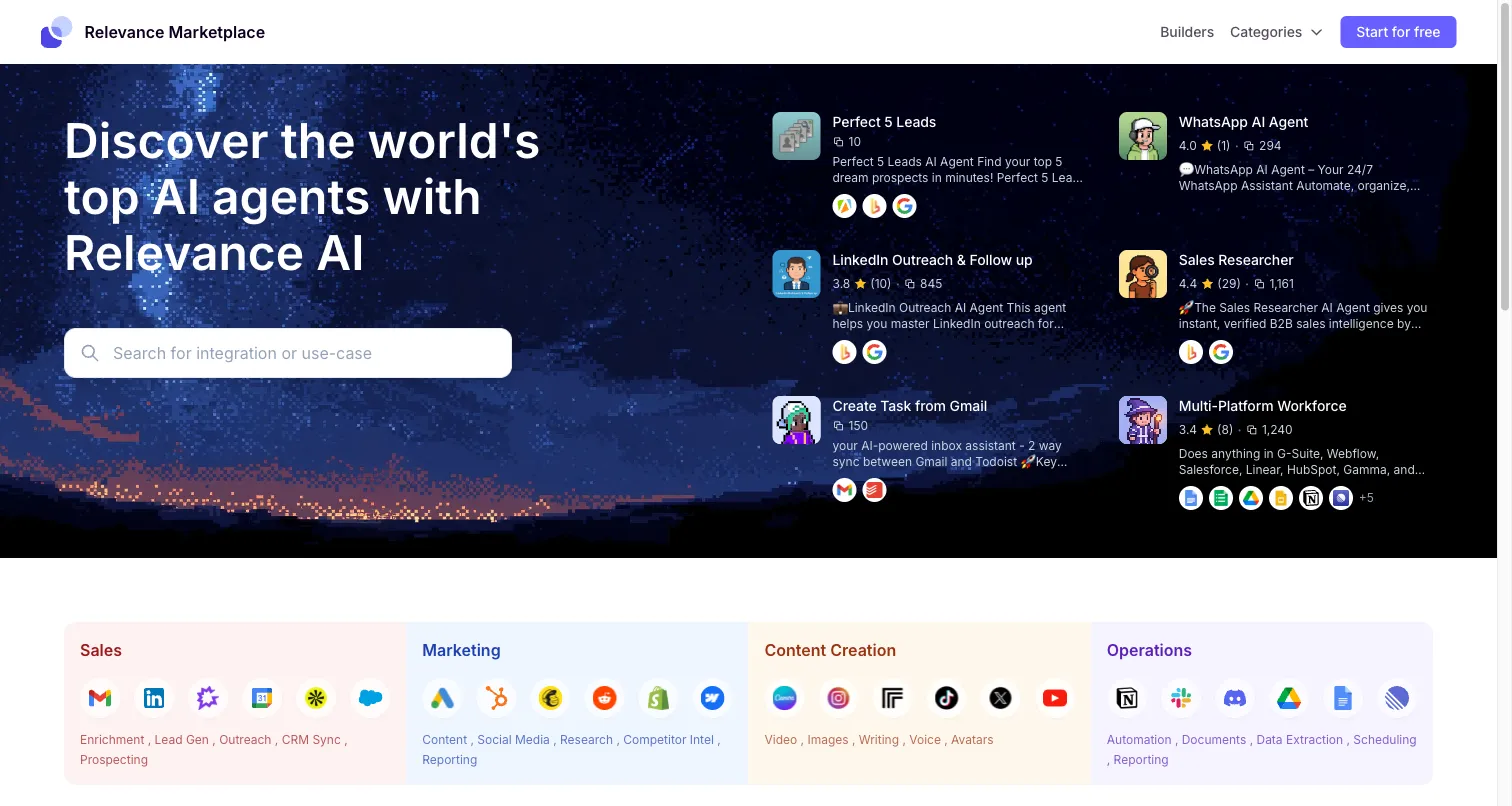
Relevance AI Marketplace

Relevance AI Marketplace

Free

No infrastructure costs

Relevance AI Marketplace screenshot

Instead of self-hosting an AI agent, clone free pre-built agents that handle WhatsApp, email, sales, content creation, and more. No Docker, no API keys, no security patches — just pick an agent and start using it.

Pros

  • Zero infrastructure setup required
  • 1,000+ pre-built agents ready to clone
  • Free to use — no API or hosting costs
  • SOC 2 certified with enterprise SSO
  • Works out of the box in minutes

Cons

  • Less control over underlying models
  • No self-hosted / on-premise option
  • Not for custom model training
Best for: Using AI agents without any infrastructure — clone ready-made agents instead of self-hosting
Visit Site
2
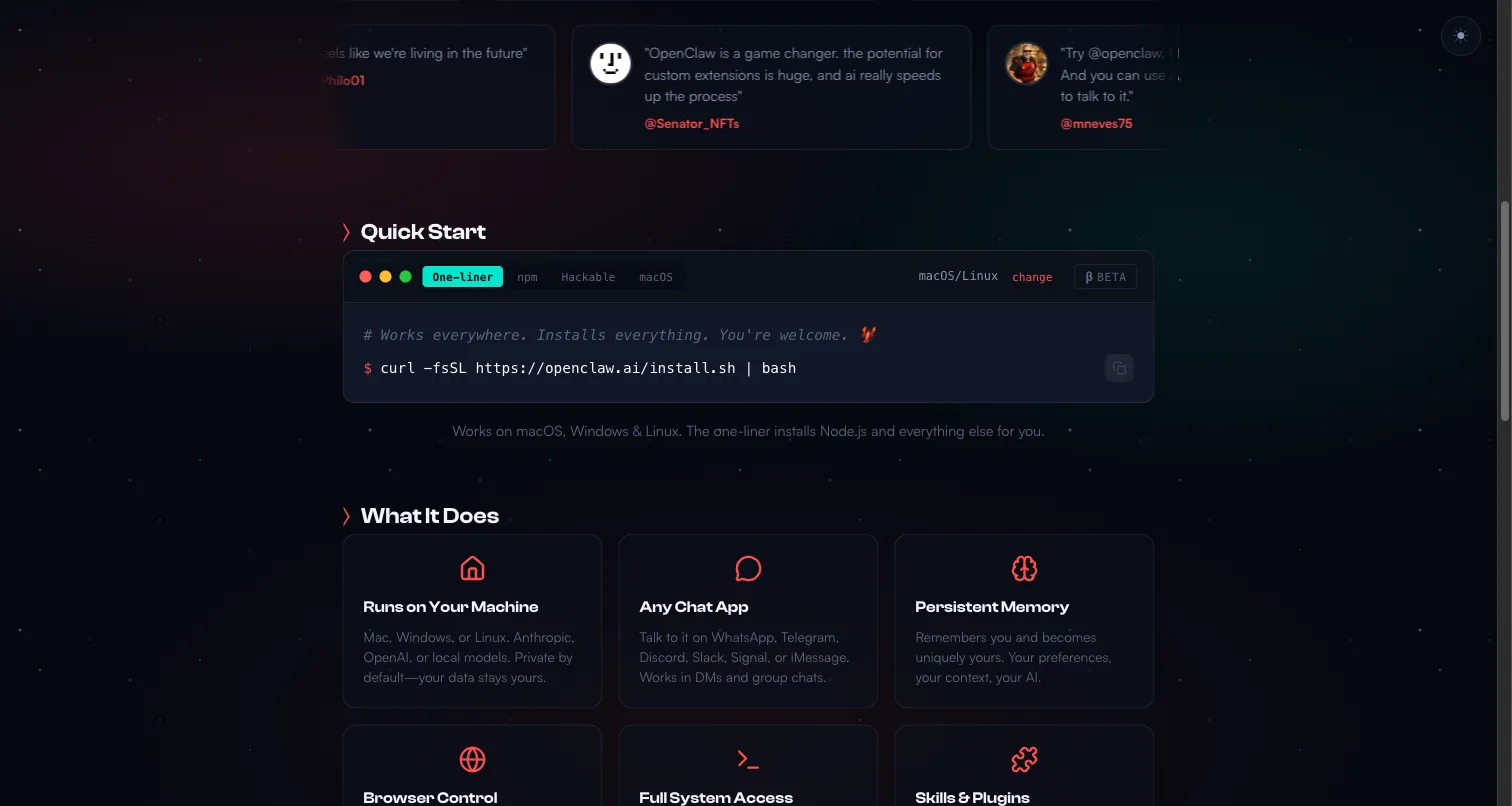
OpenClaw

OpenClaw

Free (OSS)

$5–300/mo in API + hosting

OpenClaw screenshot

OpenClaw (formerly Clawdbot / Moltbot) is an open-source AI personal assistant that runs locally. It supports 50,000+ models, 3,200+ community skills on ClawHub, and integrates with 12+ messaging platforms including WhatsApp, Telegram, and Discord.

Pros

  • Fully open-source and self-hosted
  • 50,000+ model support (local & cloud)
  • 3,200+ community skills on ClawHub
  • 12+ messaging platform integrations
  • Complete data ownership

Cons

  • 512 known vulnerabilities (as of Feb 2026)
  • 335 malicious skills found on ClawHub
  • Requires Docker, Node.js, security management
  • Complex setup for non-technical users
  • No enterprise support or SLA
Best for: Technical users wanting full control over a self-hosted AI assistant with local LLM support
Visit Site
3
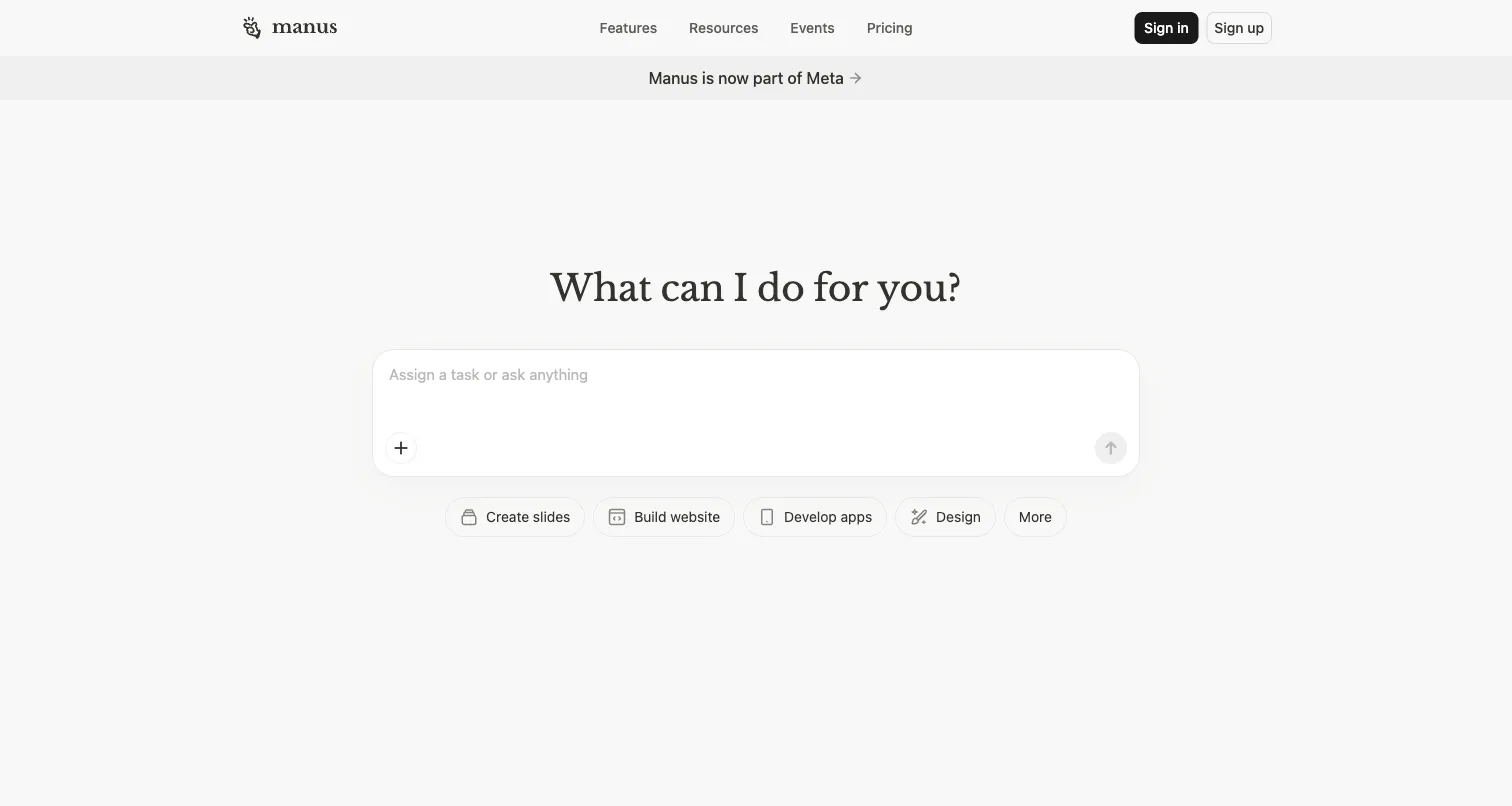
Manus AI

Manus AI

$39–199/month

No free tier

Manus AI screenshot

Manus AI is a cloud-based autonomous AI agent that can browse the web, write code, manage files, and execute complex multi-step tasks. Acquired by Meta for ~$2B in 2025, it focuses on fully autonomous task completion rather than conversation.

Pros

  • Fully autonomous multi-step task execution
  • Browser automation and code writing
  • Backed by Meta (strong funding & roadmap)
  • Clean, polished interface
  • No setup required — fully cloud-based

Cons

  • No free tier — starts at $39/month
  • No messaging platform integrations
  • Cannot self-host or run locally
  • No custom agent builder
  • Limited customization options
Best for: Users wanting autonomous AI task execution without any setup — cloud-only, premium pricing
Visit Site
4
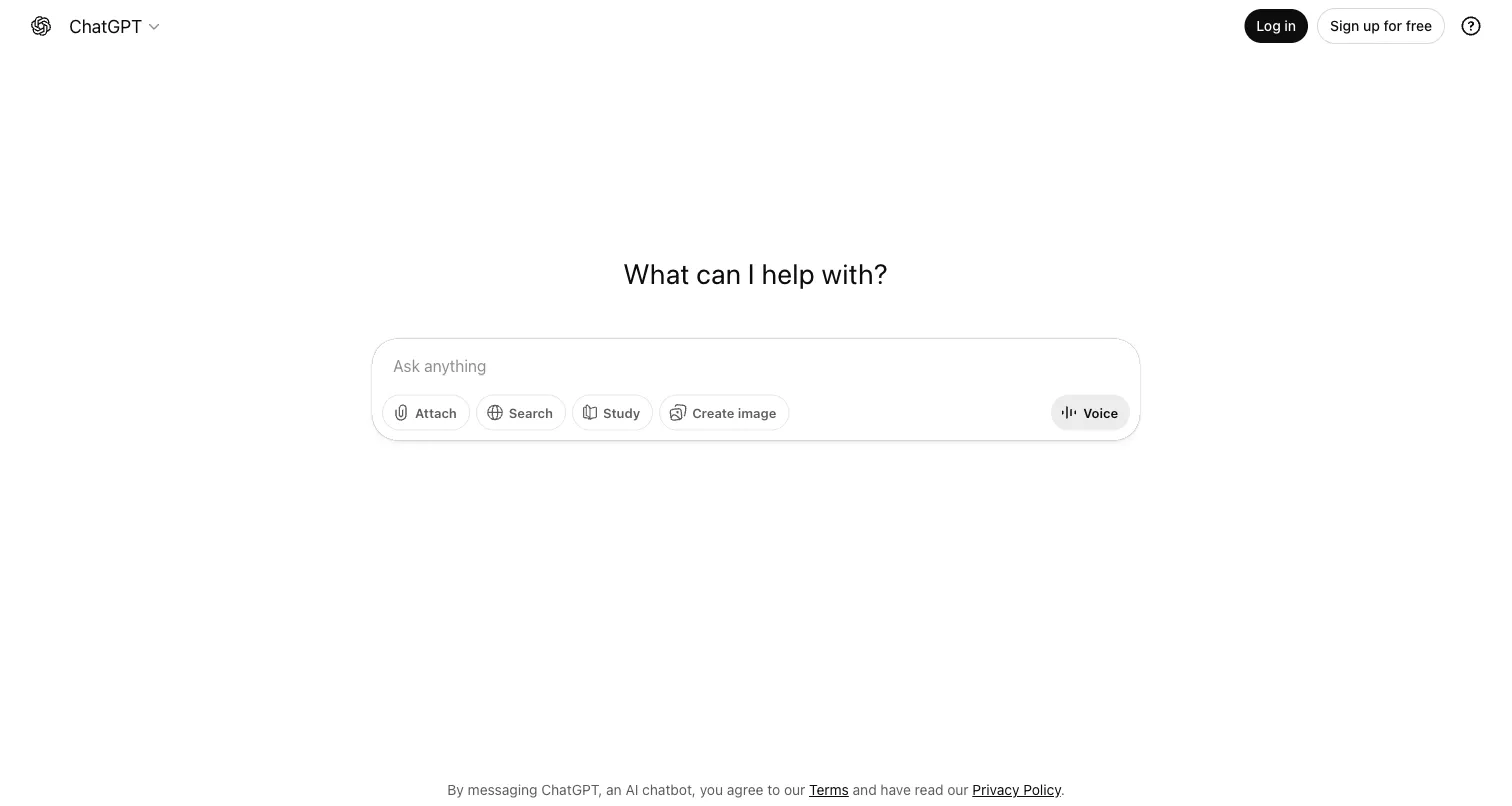
ChatGPT

ChatGPT

$0–200/month

Free tier with GPT-4o mini

ChatGPT screenshot

ChatGPT by OpenAI is the most widely-used AI assistant with GPT-4o, web browsing, code execution, image generation (DALL-E), and the GPT Store for custom agents. Strong general-purpose capabilities but limited as an autonomous agent.

Pros

  • Most recognized AI assistant globally
  • GPT Store with thousands of custom GPTs
  • Built-in web browsing and code execution
  • Image generation with DALL-E
  • Generous free tier

Cons

  • Limited autonomous task execution
  • No native messaging platform integrations
  • Cannot self-host
  • No multi-agent orchestration
  • GPT Store quality varies widely
Best for: General-purpose AI assistant for research, writing, and analysis — the default choice for most users
Visit Site
5
Claude

Claude

$0–100/month

Free tier available

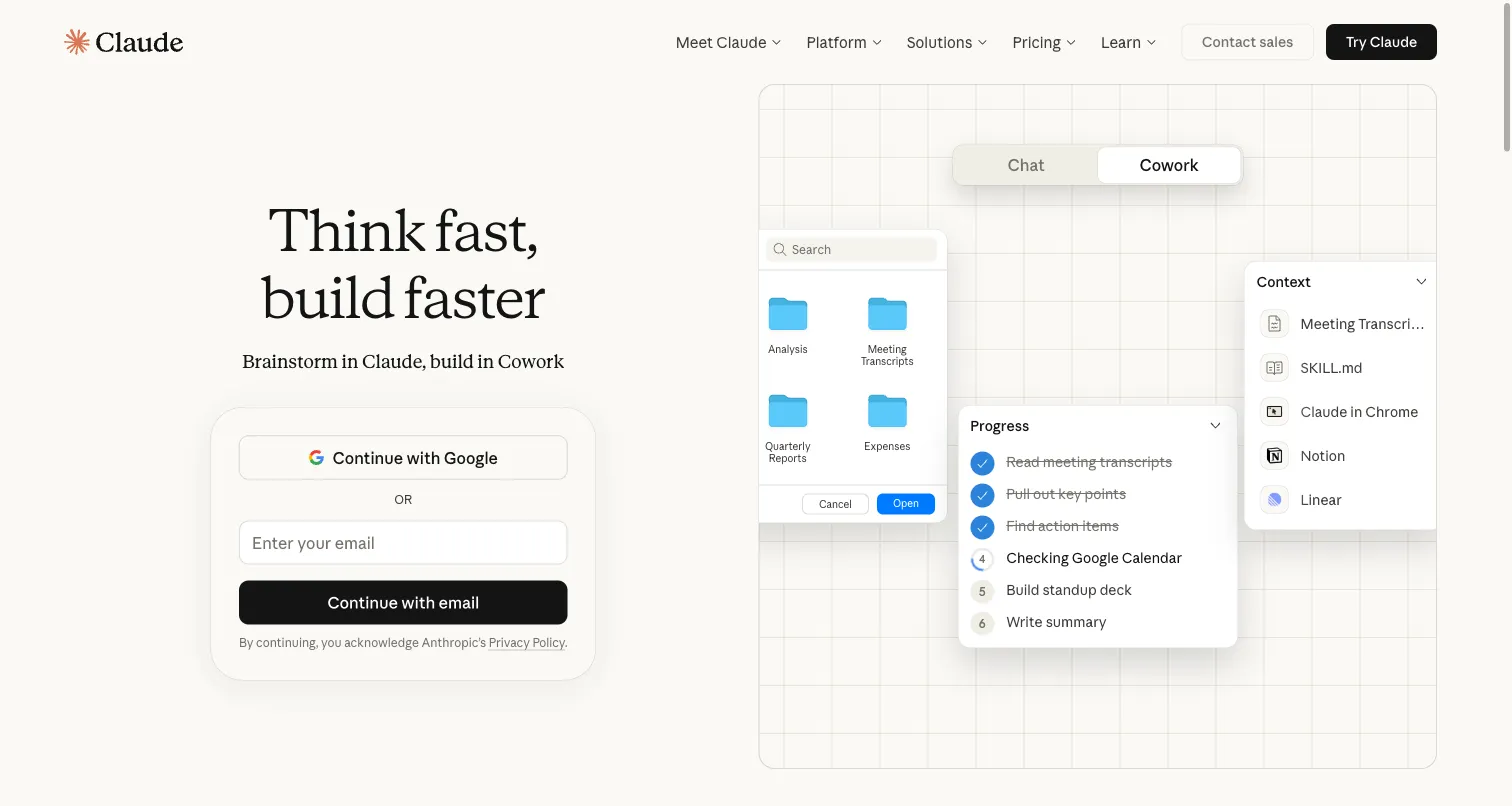
Claude screenshot

Claude by Anthropic excels at advanced reasoning, long-context analysis (200K tokens), and coding. Claude Code provides terminal-based AI for developers. Known for being more careful and less prone to hallucination than competitors.

Pros

  • Best-in-class reasoning and analysis
  • 200K token context window
  • Claude Code for developers (terminal AI)
  • Strong safety and low hallucination rate
  • Excellent for long documents and code

Cons

  • No autonomous agent capabilities
  • No messaging platform integrations
  • Cannot self-host
  • No custom agent builder or store
  • Limited tool use compared to ChatGPT
Best for: Advanced reasoning, long-document analysis, and coding — especially with Claude Code for developers
Visit Site
6
n8n

n8n

Free–$20/month

Self-hosted is free forever

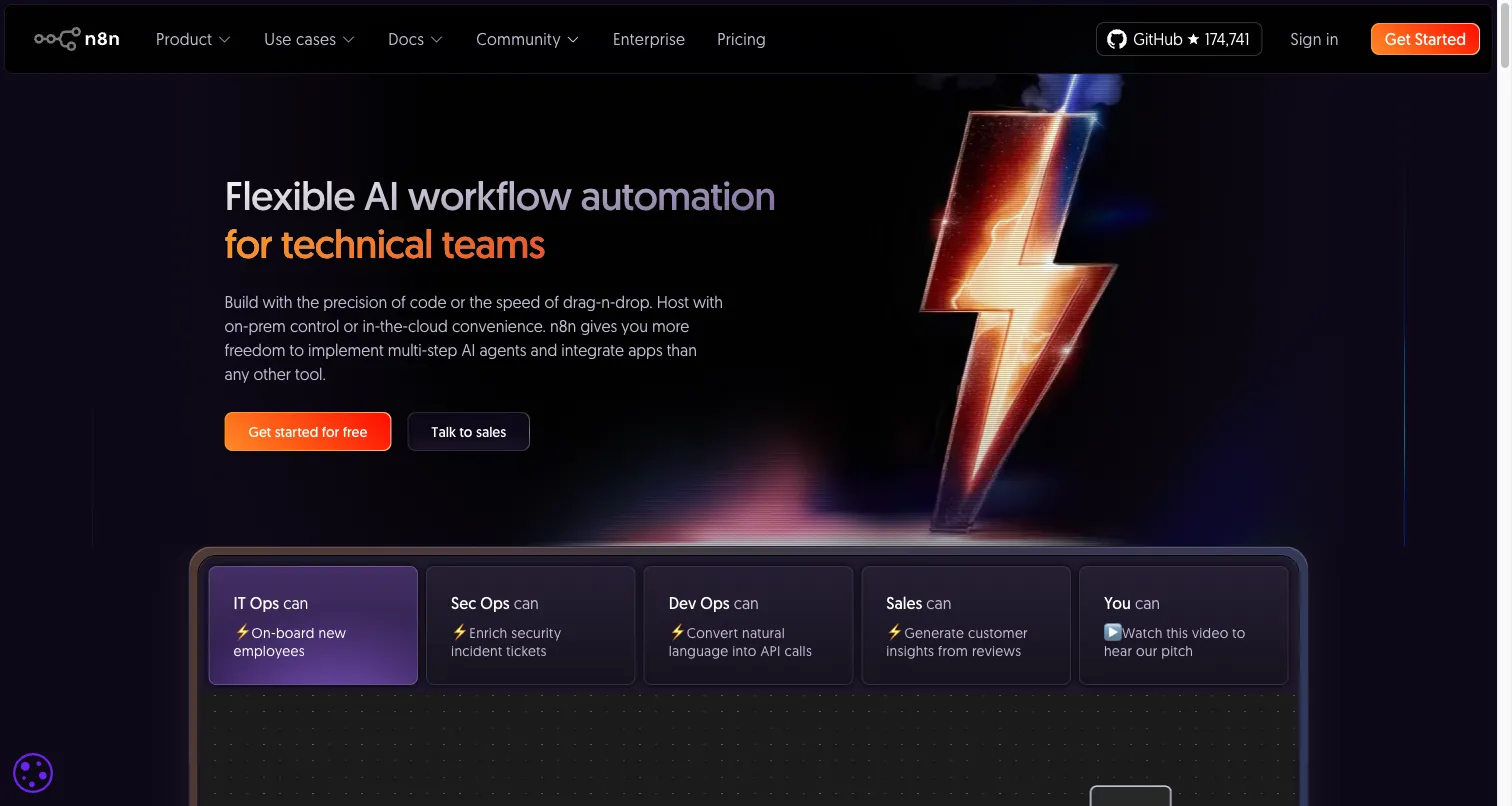
n8n screenshot

n8n is an open-source visual workflow automation platform with 1,000+ integrations. Its AI agent nodes let you build autonomous workflows connecting LLMs to any tool — WhatsApp, Slack, databases, APIs, and more.

Pros

  • Open-source with self-hosted option
  • 1,000+ integrations out of the box
  • Visual workflow builder (no code)
  • AI agent nodes for autonomous tasks
  • Active community and marketplace

Cons

  • No persistent memory across workflows
  • Steeper learning curve than chatbot-style tools
  • Not a conversational AI assistant
  • AI features are newer and still maturing
  • Self-hosted requires infrastructure management
Best for: Open-source visual workflow automation with AI — best for connecting AI to existing tools
Visit Site
7
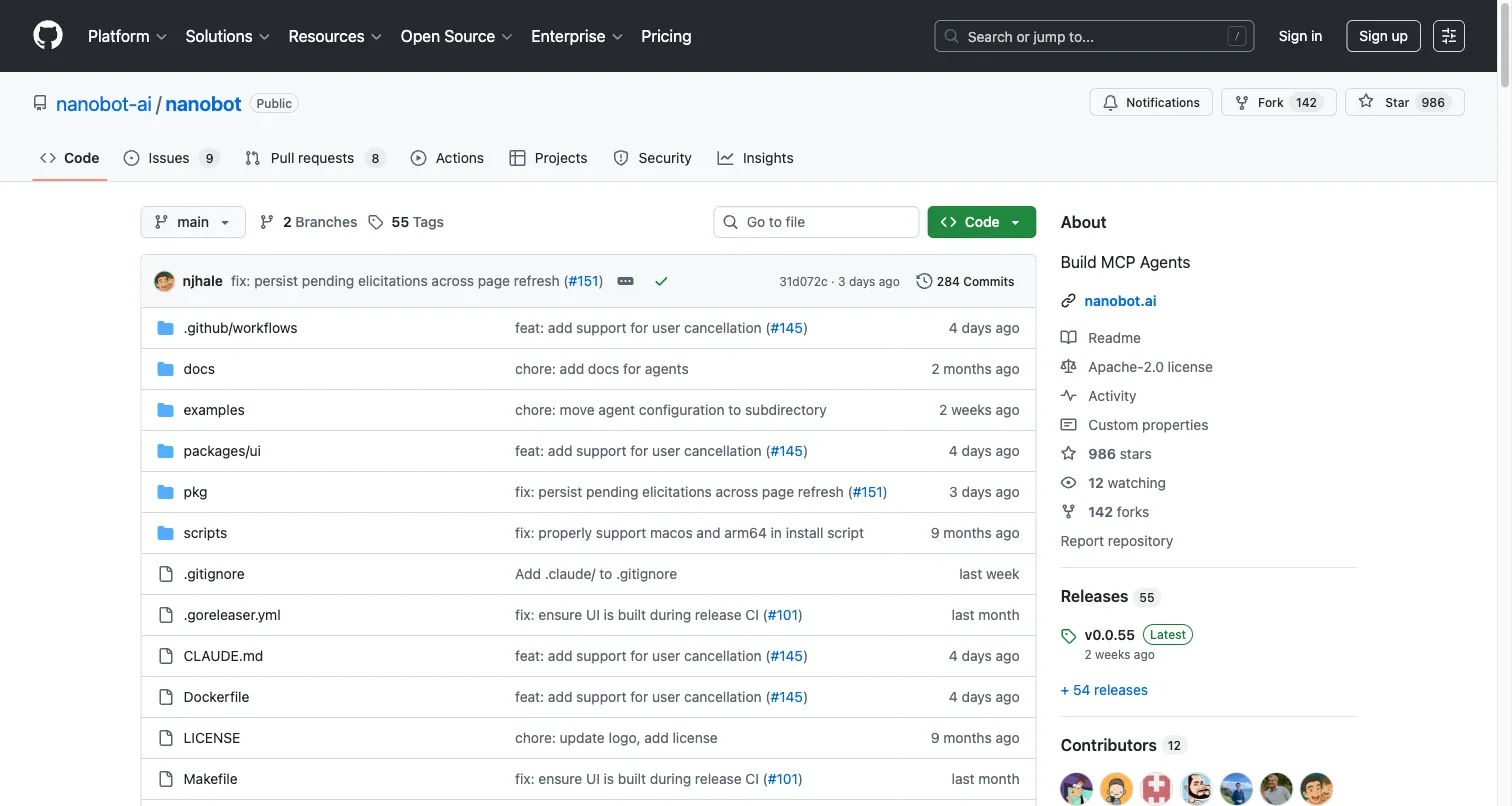
Nanobot

Nanobot

Free (OSS)

API costs only

Nanobot screenshot

Nanobot is an ultra-lightweight open-source AI agent built at the University of Hong Kong. At just 4,000 lines of code (vs OpenClaw's 430,000+), it focuses on simplicity and auditability while supporting multi-agent orchestration.

Pros

  • Ultra-lightweight (4K lines of code)
  • Easy to audit and understand
  • Multi-agent orchestration support
  • Academic backing (University of Hong Kong)
  • Minimal attack surface

Cons

  • Much smaller feature set than OpenClaw
  • Limited community and ecosystem
  • No built-in messaging integrations
  • Requires technical setup
  • No GUI or visual interface
Best for: Developers wanting a simple, auditable AI agent with minimal attack surface
Visit Site
8
NanoClaw

NanoClaw

Free (OSS)

API + hosting costs

NanoClaw screenshot

NanoClaw is a security-focused fork of OpenClaw that runs each skill in an isolated container. It addresses OpenClaw's biggest weakness — the 512 known vulnerabilities and malicious skill problem — by sandboxing all third-party code execution.

Pros

  • Container-isolated skill execution
  • Addresses OpenClaw's security issues
  • Compatible with existing OpenClaw skills
  • Open-source and self-hosted
  • Smaller attack surface than OpenClaw

Cons

  • Smaller community than OpenClaw
  • Still requires self-hosting infrastructure
  • Not all OpenClaw skills are compatible
  • No managed/cloud option
  • Higher resource requirements (containers)
Best for: Users who want OpenClaw's features but need container-level security isolation
Visit Site
9
Zapier AI

Zapier AI

$0–69/month

Free tier with 100 tasks/mo

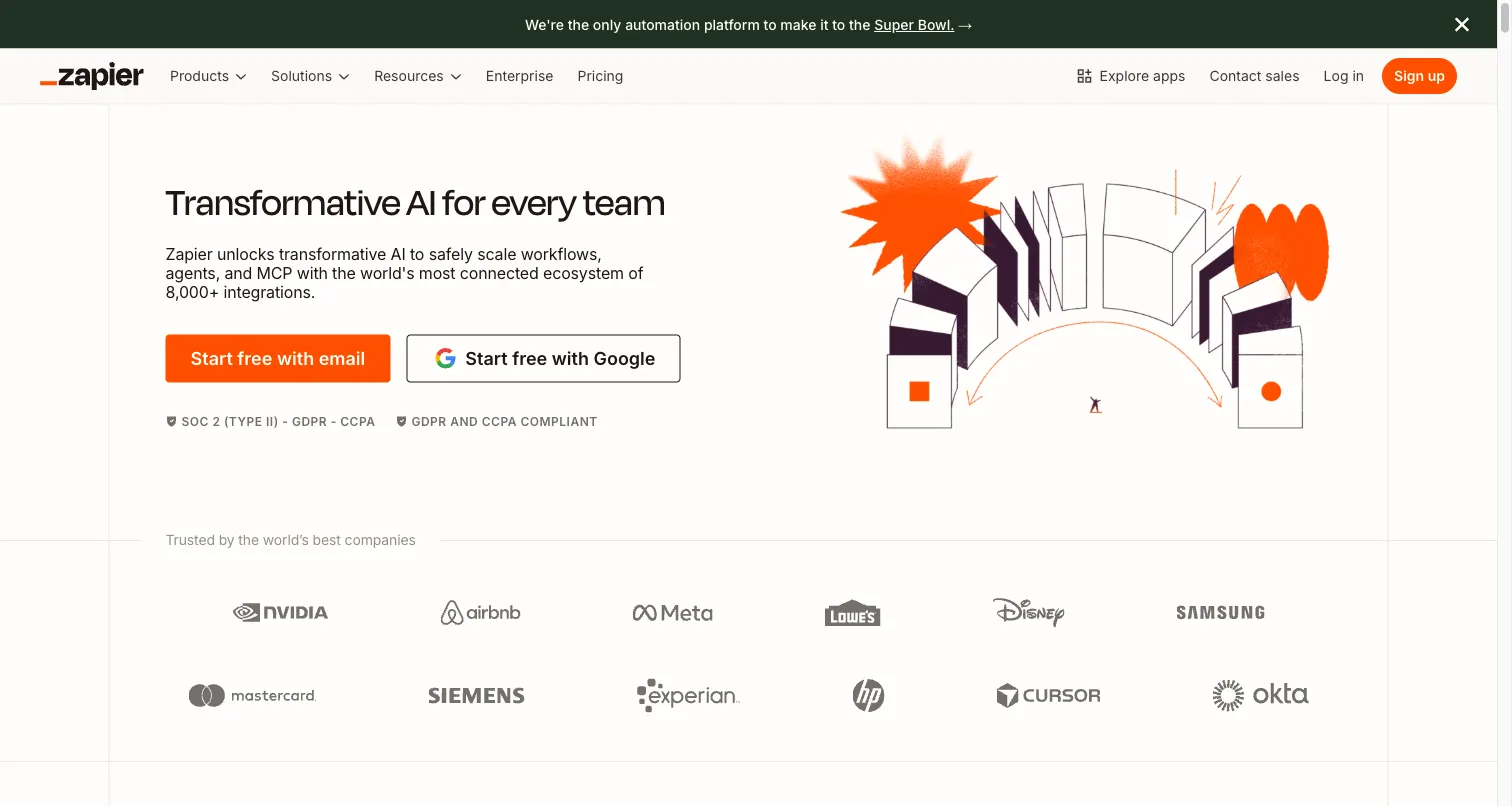
Zapier AI screenshot

Zapier's AI features (Central, Chatbots, and AI Actions) bring autonomous AI capabilities to the world's largest automation platform. Connect AI to 7,000+ apps with no-code workflows, triggers, and scheduled automations.

Pros

  • 7,000+ app integrations
  • No-code AI chatbot builder
  • Zapier Central for autonomous AI workflows
  • Most mature automation ecosystem
  • Free tier available

Cons

  • AI features still relatively new
  • Per-task pricing adds up at scale
  • Not designed as a personal assistant
  • Limited autonomous reasoning
  • No self-hosted option
Best for: No-code AI automation across 7,000+ apps — best for connecting AI to existing business tools
Visit Site
10
Saner.AI

Saner.AI

Free–$15/month

Generous free tier

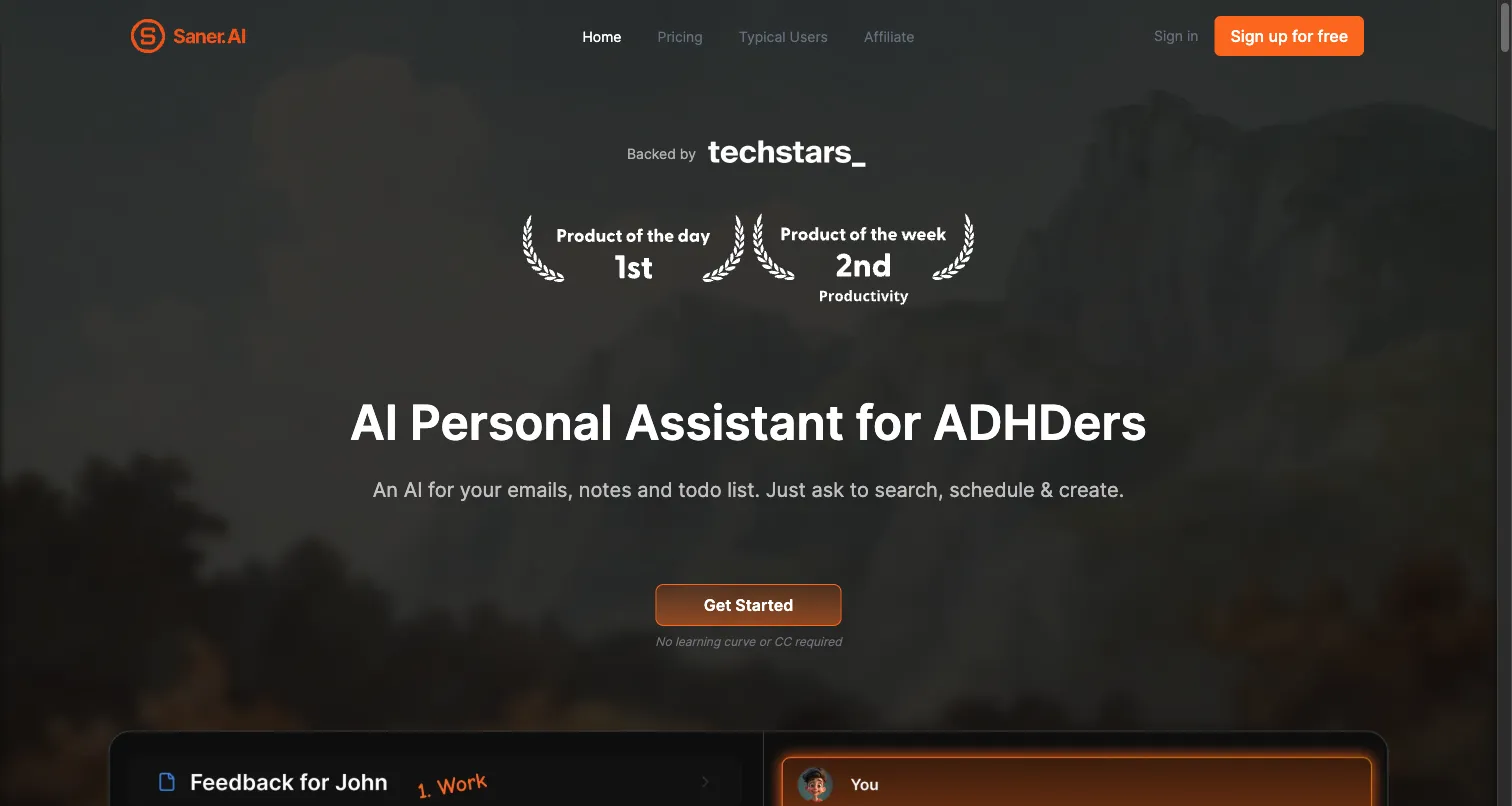
Saner.AI screenshot

Saner.AI is an AI personal assistant designed for non-technical users. It provides a simple chat interface with document analysis, web search, email management, and calendar scheduling — no setup or technical knowledge required.

Pros

  • Designed for non-technical users
  • Simple, clean interface
  • Document analysis and web search
  • Email and calendar integration
  • Very affordable pricing

Cons

  • Limited to basic assistant tasks
  • No agent building or customization
  • Smaller company with less track record
  • No API or developer tools
  • Limited integrations compared to alternatives
Best for: Non-technical users wanting a simple, affordable AI personal assistant
Visit Site

When OpenClaw Is Still the Right Choice

OpenClaw isn't for everyone, but it's genuinely the best option in certain scenarios. Here's when you should stick with it:

Full Data Control

You need complete ownership over your data and infrastructure — no third-party cloud dependency whatsoever.

Local LLM Inference

You want to run local models via Ollama or vLLM with zero cloud dependency and complete privacy.

Technical Comfort

You're comfortable managing Docker, Node.js, and security patches — and enjoy tinkering with your setup.

Deep Messaging Integration

You need deep integration across 12+ messaging platforms (WhatsApp, Telegram, Discord, Slack, and more).

OpenClaw Alternatives FAQ

The best alternative depends on your needs. For zero-setup AI agents, Relevance AI Marketplace offers 1,000+ free, ready-made agents that handle WhatsApp, email, sales, and more — no Docker or API keys required. For autonomous task execution, Manus AI is the leading cloud option. For general-purpose AI chat, ChatGPT and Claude are the most capable. For open-source workflow automation, n8n gives you visual AI workflows with 1,000+ integrations.

OpenClaw has significant security concerns as of early 2026. Security researchers have identified 512 known vulnerabilities in the codebase, 335 malicious skills on the ClawHub marketplace, and infostealer malware specifically targeting OpenClaw configuration files (which contain API keys). While the OpenClaw Foundation is working to address these issues, users should be cautious — especially with third-party skills from ClawHub. Managed alternatives like Relevance AI, ChatGPT, or Claude handle security for you.

Yes! Relevance AI Marketplace offers 1,000+ free, pre-built AI agents you can clone and use instantly — no servers, no Docker, no API keys. These agents handle common use cases like WhatsApp messaging, email automation, content creation, and sales outreach. Other cloud options include Manus AI for autonomous tasks, ChatGPT for general AI chat, and Zapier AI for no-code automation workflows.

OpenClaw went through three name changes in a single week in late 2025: Moltbot → Clawdbot → OpenClaw. The project is now governed by the independent OpenClaw Foundation, which was established with backing from OpenAI. The rapid rebrand caused confusion in the community, but the underlying technology remained the same throughout the name changes.

While OpenClaw is free open-source software, the total cost of running it includes: API costs ($5–300/month depending on usage and model choice), hosting costs ($5–50/month for a VPS or cloud server), and time spent on setup, maintenance, and security patches. Running local models with Ollama can reduce API costs but requires a powerful GPU ($1,000+ hardware investment). Most users spend $20–100/month total.

They serve different needs. OpenClaw is a self-hosted, open-source AI agent with 50,000+ model support, 12+ messaging integrations, and full data ownership — but requires technical setup and has security concerns. ChatGPT is a managed, cloud-based AI assistant with GPT-4o, web browsing, and the GPT Store — but offers less customization and no self-hosting. Choose OpenClaw for full control; choose ChatGPT for simplicity.

Nanobot is an ultra-lightweight open-source AI agent created at the University of Hong Kong. At just 4,000 lines of code (compared to OpenClaw's 430,000+), it prioritizes simplicity and auditability. Nanobot supports multi-agent orchestration but has a much smaller feature set — no built-in messaging integrations, no community skill marketplace, and no GUI. It's best for developers who want a minimal, easily auditable agent framework.

Manus AI is one of the strongest alternatives if you want autonomous AI task execution without self-hosting. Acquired by Meta for ~$2B, it can browse the web, write code, manage files, and complete complex multi-step tasks autonomously. However, it starts at $39/month with no free tier, has no messaging platform integrations, and cannot be self-hosted. It's best for users who want premium, cloud-based AI task automation.

Free your team.
Build your first AI agent today!

If you're exploring Relevance AI for the first time or discovering new features, we'll quickly guide you to start doing great work immediately.

Free plan No card required